It is 6:40 on a winter morning, and the keypad that has worked every day for two years is silent. The porch light is on, the coffee is going cold in the hallway, and the only question that matters is whether this is a five-minute fix or a support call.
Before dialing support, there is a sequence worth running when a smart lock keypad is not working. Check the whole lock rather than the keypad alone; check the surface and your fingers; check the sequence you are using; and reach for a backup path early instead of late. Each step takes less time than waiting on hold.
Start with the lock, not the keypad
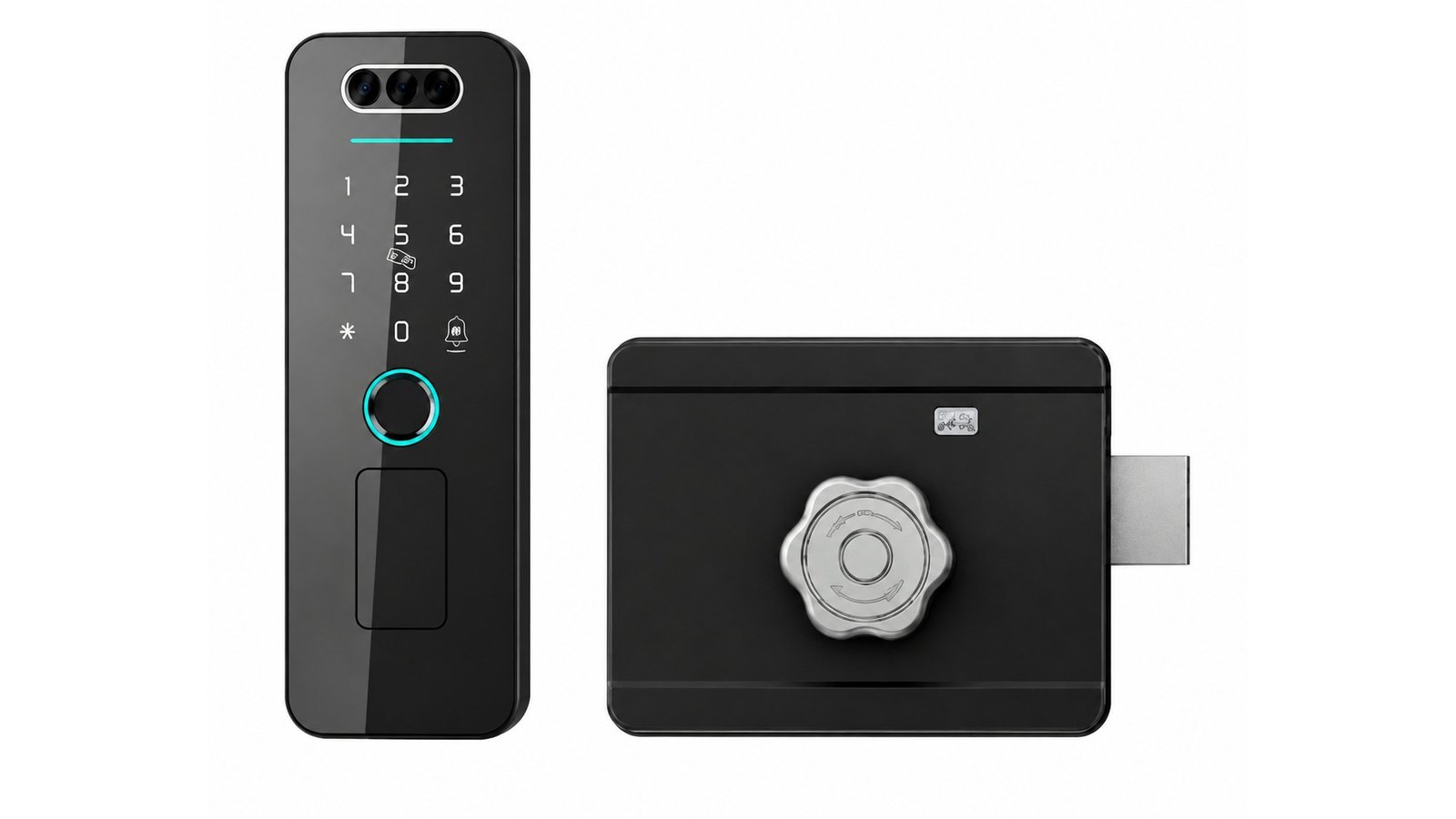
A keypad has no separate power supply. It draws from the same cells that feed the whole lock, which means a lock at the end of its battery can present as a keypad that simply stopped responding. The deadbolt models document 6 V from four AA alkaline batteries; LK0161 is documented as battery-powered; A20 accepts a 12V23A battery or a 5V power bank.
So the first test is not on the keypad at all — it is on any other entry method. If the mechanical key works, or a card reads, or the app connects, the lock has power and the investigation narrows to the keypad itself. If nothing responds anywhere, treat it as a power question first. The full warning-sign routine lives in what to do when a smart lock battery runs low.
Surface, fingers, weather
Capacitive keypads work by sensing the small electrical change a fingertip makes on their surface — which is why gloves, wet hands, very cold fingers and a film of water or ice can all produce the same result: a pad that seems dead but is only unread. Wipe the surface with a dry cloth, warm your hands, remove gloves, and try again deliberately.
Weather matters in both directions. LK0161 is positioned for aluminum entrances where a waterproof lock body is required, making it the model for exposed or damp locations in our range — its detailed environmental values are available on request. And temperature extremes have documented limits: the DDL1 lists a working range of −25℃ to 70℃. If the pad only fails at certain temperatures, that pattern is worth reporting rather than ignoring.

Sequence and timing
Keypads are patient but not infinitely so. Press the digits at a calm pace, confirm each press registers — a light, a tone, a beep — and wait for the lock’s confirmation before turning the handle or pulling. A code entered faster than the pad can register is one of the most common “it doesn’t work” moments, and it resolves the second time.
Repeated failed attempts can also trip a temporary pause on some locks. That behavior is model-specific, and the place to confirm it is your model’s documentation rather than a guess. If the pad accepts nothing at all after several tries, stop, use another method to get in, and let the lock rest before testing again from the inside.
The backup path is part of the design
Every lock in our range documents more than one way in, and the list is worth knowing before the morning it matters. The deadbolt models document fingerprint, password, IC card and mechanical key. LK0161 lists app, fingerprint, password, card and key. The DDL1 documents palm vein, face, fingerprint, password, IC card, key and app. The A20 covers fingerprint, password and card, with the power bank option as a backup supply.
Keep the mechanical key somewhere deliberate — with the household’s own backup arrangement, not taped beside the door — and make sure every adult in the house knows where it lives. Fingerprint readers deserve their own maintenance habits, which we covered in when a fingerprint isn’t recognized; the same logic of clean surfaces and deliberate placement applies to a keypad.
What to note before you call support
The five-minute evidence sheet
- Model and version. The model name and the platform version, from the product documentation or the box.
- What you see and hear. Any light, tone or spoken prompt the lock gives — or the complete absence of them.
- Battery history. When the batteries were last replaced or the lock last charged, and whether a low-battery warning appeared.
- What changed. Rain, frost, a door that started sticking, a new phone — the trigger is often the answer.
- What you tried. Each method tested, and what happened. A short video of the keypad during an attempt is worth more than a paragraph of description.
When the keypad is not the problem
Sometimes the pad is fine and the door is the issue. A door that has sagged, or a bolt that binds in its strike plate, can make a lock behave as if it rejects a perfectly good code — the electronics release, but the mechanism cannot finish. If entry works intermittently and depends on lifting or pushing the door, suspect alignment before electronics.
If the issue follows the app rather than the lock — codes that will not refresh, a lost admin phone, a platform account problem — the diagnosis lives elsewhere. Our guide to where access management should live covers those failure patterns, and a little understanding of how these locks read a credential makes every first-check conversation faster.
Questions from the doorstep
How do I tell a dead battery from a dead keypad?
Use any other entry method. If a key, card or app works, the lock has power and the keypad is the suspect. If nothing responds anywhere, start with power — replace the batteries or charge the lock, then test again. Low-battery warnings usually appear well before the silence, so a warning that was ignored is the first thing to check.
Can I still get in if the keypad is dead?
Yes, in every model in our range — the exact mix depends on the model. The deadbolt models document a mechanical key; LK0161 lists app and key among its methods; the DDL1 documents key and app; A20 accepts a 5V power bank as an alternate supply. The design rule is that a keypad is one way in, never the only way.
Should I clean a keypad with anything wet?
Keep it dry. A dry or barely damp cloth removes dust and fingerprints; sprays, solvents and running water pushed into the seams are how a working pad becomes a support case. If the lock has taken rain or a spill, dry the surface, let it settle, and test — and if the behavior persists, report the exposure along with the symptoms.
Supporting installers and buyers after the sale?
CaremLock’s documentation covers entry methods, backup paths and environmental limits for each model, so first-line checks stay simple. Tell us which ranges your teams support.
Or explore the Download Center and contact the team.