Where should access actually live: inside the lock at the door, or on a phone in someone’s hand? Two households can choose locks with identical unlock methods and still end up with very different systems, because one keeps its user list at the door and the other keeps it in an app.
The difference rarely shows on installation day. It shows months later, on the day something changes — a cleaner is replaced, a tenant moves out, a family member loses a phone — and the household discovers which side of the system the work landed on.
Two models on one door
Door-managed access keeps the credential list inside the lock. People are enrolled at the door, entry works without a network, and the app — if there is one — is optional. App-managed access moves the user list to a platform account: credentials are issued and revoked from a phone, and the door is one endpoint of a larger system.
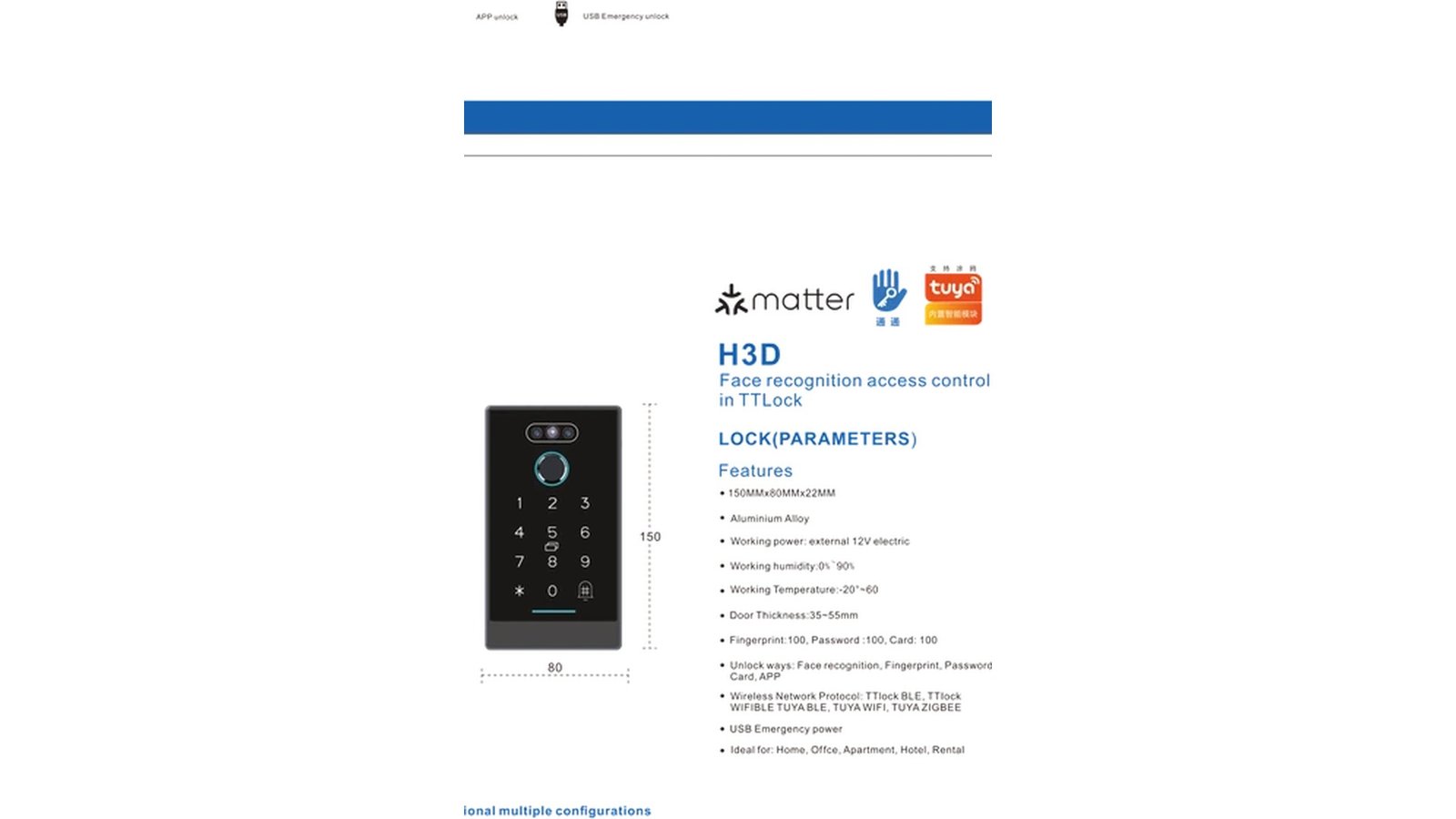
In our documented range, the fork starts at purchase. The DS01 and DS05 deadbolts ship in standalone, Tuya (Bluetooth/Wi-Fi) and Tongtong versions, while the DDL1 fully automatic smart lock documents TTLock BLE, Tuya WiFi and an optional Zigbee connection. Those lines decide where the user list lives long before anyone installs anything.
What door-managed access protects
A door-managed lock is self-sufficient in the way a mechanical lock is self-sufficient. It does not care whether the internet is up, whether a phone is charged, or whether the family has agreed to use an app at all. For a single household — especially one with older residents, a patchy connection, or a preference for “it just works” — this is often the calmest model to live with.
- No network dependency. Entry decisions happen at the door, where the credential is presented.
- No app requirement for users. Helpers, guests and family use codes, fingerprints or cards without installing anything.
- No account to administer. There is no platform login to inherit, lose or argue about.
- The trade-off: most changes happen at the lock or within its close range, and remote conveniences are not part of the deal.
What app management buys
App-managed access turns the door into one entry in a bigger list. Codes can be issued before a guest arrives, deleted the day an arrangement ends, and — where the platform documents it — limited to a window of time. For anyone managing more than one property or a rotating cast of helpers, that is the difference between administration and errands.
It is also the model that lets a family coordinate from a distance. Households organizing check-ins and support for a relative in another city lean on app management precisely because the alternative is a phone call to someone standing at the door.
- Remote issuance and revocation. A credential can be created or removed without visiting the property.
- Multiple properties in one view. The reason rental operators and integrators rarely choose door-only.
- The trade-offs: an admin account to keep healthy, a connection to maintain, and a slightly longer learning curve for less technical households.
Reading a model sheet for where access lives
What to check before choosing a model
- The wireless line. Bluetooth-based management means administration happens near the door; Wi-Fi opens remote management; Zigbee points to a hub-based ecosystem where one is documented.
- The version names. Standalone, Tuya and Tongtong versions on the deadbolts are an order-time decision, not an afterthought.
- The unlock methods list. If the app is one of the documented ways in, app management is a real option; if it is not listed, it is not a feature.
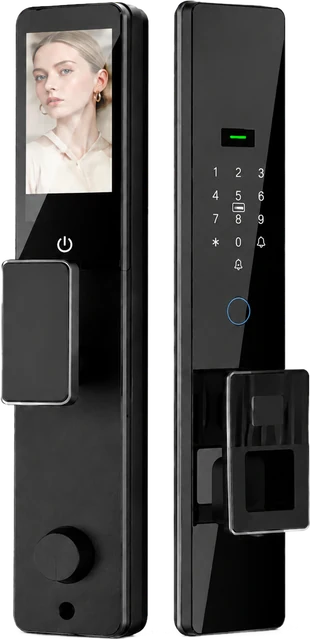
- Documented user counts. The DDL1, for example, lists 3 admin users and 297 normal users — a small administration group and a large everyday population, which is exactly how the two models divide labor.
Choosing per property
For a lived-in family home, ask two questions: does anyone depend on remote changes, and does anyone dislike apps? If the answers are “no” and “yes,” door-managed is usually right. For a rental, a serviced apartment or a project where credentials turn over with tenants, smart lock app management earns its keep quickly.
The documented positioning lines up with that split. The DDL1 is positioned for residential homes, apartments and project use, and the deadbolt pair covers single-family and multi-family entries, retrofits and light-commercial doors. The property type, the turnover rhythm and the people at the door decide the platform — we walked through that mapping in matching entry hardware to property type.
The habit that keeps both models working
Whichever model you choose, set two rules before the first credential is issued. First: the door must never require a phone to open for the people who live there. Second: the app is for administration, not for entry. Households that hold those two lines get remote convenience without door-day fragility.
Keep the backup path known, too — a mechanical key, a card, a second entry method — and rehearse the “what if the admin phone is lost” answer once, on a calm afternoon. We break down how the layers of a fully automatic lock divide that work in a closer look at the DDL1 anatomy.
Questions buyers ask
Does the lock keep working if Wi-Fi goes down?
Entry itself does not need the internet: credentials are verified at the lock. Remote functions — issuing a code from another city, checking a record — depend on the connection and the platform version. The practical takeaway: confirm how the entry side behaves offline, and treat remote management as an addition rather than a foundation.
Can we switch to app management later?
Platform versions are chosen at order in our documented range — standalone, Tuya and Tongtong for the deadbolts — so the cleanest path is deciding at purchase. If a project needs to start door-managed and grow into app management, say so when specifying; the version list is where that choice is recorded.
Who should hold the admin account?
One or two people, plus a written recovery plan for the day one of them changes phones. The DDL1 documentation lists 3 admin users and 297 normal users — administration as a small, named group, with everyone else handled as ordinary credentials. The principle holds whatever the platform, and it is worth writing down next to the household’s access register.
Choosing a platform model for your market?
Tell us if your buyers need door-managed simplicity, app-managed coordination, or both in one catalog. CaremLock’s documented deadbolt and fully automatic ranges cover the version options above.
Or explore the DDL1 fully automatic model and contact the team.