A distributor’s catalog is a promise about what can be supplied. Every unanswered request is a quiet measurement of where that promise ends — and by the third time a customer asks for something you cannot offer, the catalog has already started costing you money.
Deciding to add glass, aluminum or room-door hardware to a deadbolt-led range is not a matter of taste. It is a bet that a specific type of project will keep appearing, and it should be placed only when the signals are concrete. This is a guide to reading those signals, mapping the families you already document, and expanding a smart lock product range without splitting your stock.
The case for a second family — and the case against
The case for expansion is easy to feel. A repeat customer asks about aluminum frame doors; a tender list includes a line item for a glass entrance; an installer mentions that half their work is now interior room doors. Each moment is a small leak in an otherwise good relationship, and a broader range appears to plug it.
The case against is quieter but real. Every family brings its own fit questions, its own documentation, its own spare-part logic and its own shelf behavior. A family you cannot support properly is worse than a family you never offered, because the disappointment arrives after the invoice. Adding a line is simple; supporting it is the actual business.
Signals from the market that justify expansion
One request is a conversation. A pattern is a plan. The signals worth acting on tend to look like this:
- Repetition: the same door type comes up three times in a quarter — glass storefronts, narrow aluminum entrances, or hotel room doors.
- Lost line items: quotes you lose not on price, but because one item in a project list has no answer in your range.
- A new customer segment: glass installers or hospitality suppliers start asking for a catalog they would not have asked for last year.
- Service demand: installers are already being asked to replace or maintain locks they never bought from you.
Notice what is not on the list: a competitor’s catalog, a trade-show impression, or the feeling that a range looks incomplete. Those are inputs to a conversation, not evidence of demand.
Map the families you already document
Before adding anything, write down what you can already sell with documentation behind it. A working map might look like this:
- Standard entry: the DS01 and DS05 deadbolt models for wood, metal and plastic doors — residential, light-commercial, apartment and rental retrofits.
- Premium residential: the DDL1 fully automatic model for homes, apartments and project use, with palm, face, fingerprint, password, card and app entry.
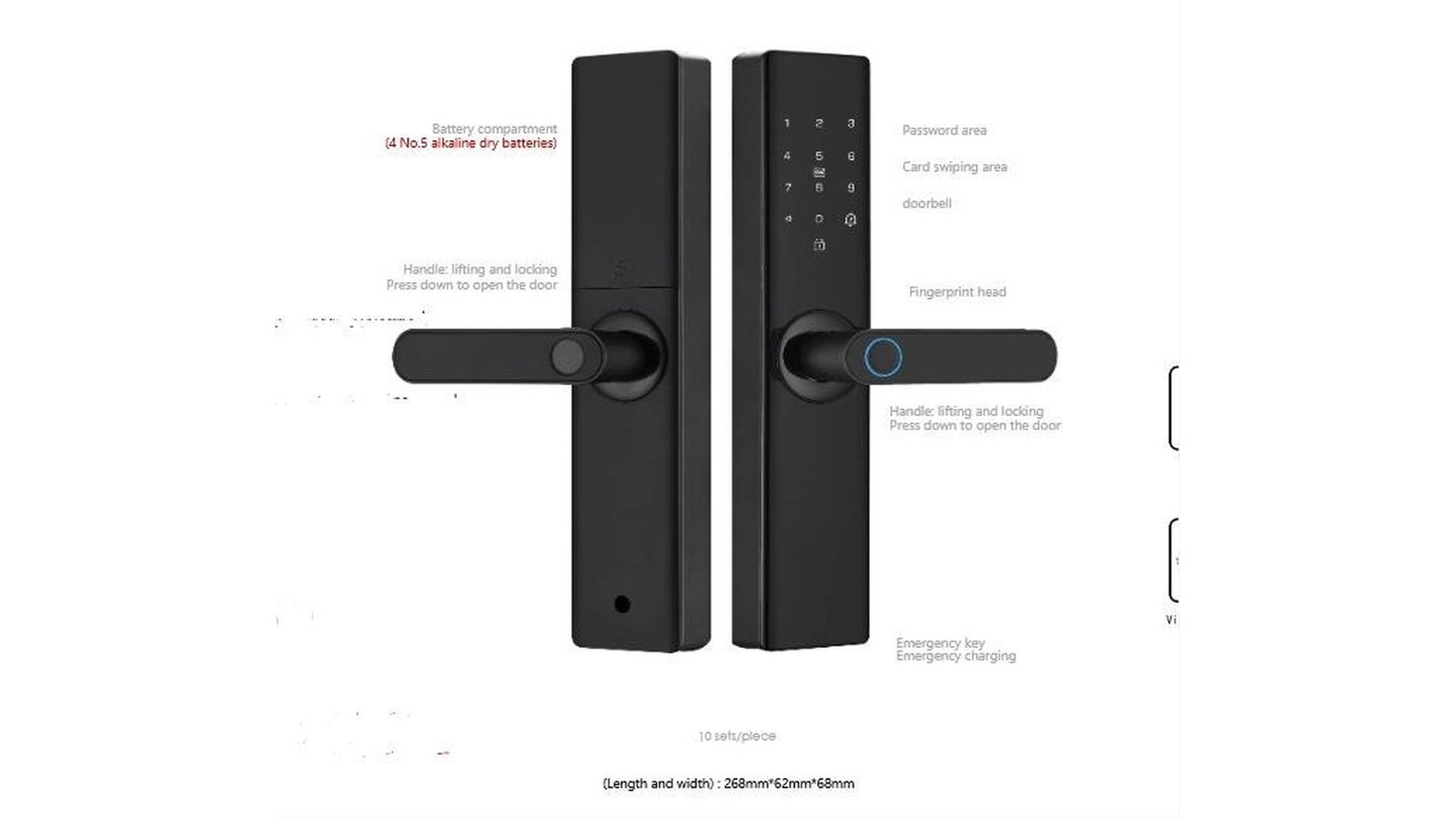
- Narrow aluminum: the LK0161, built for aluminum frame doors and narrow-profile entrances where a waterproof lock body is required — a common gap in deadbolt-led ranges.
- Glass: the A20 for framed glass doors, aimed at partitions, lobbies and storefronts as well as residential and hospitality glass.
- Semi-automatic and interior: the DDA2 and DDA3 one-grip models, and the DDZ17 room-door lock for residential rooms, hotel rooms and serviced apartments, with documented temporary-password support.
- Adjacent forms: Q1 and Q2 knob locks and the H3D-Matter rim lock extend the catalog where buyers already know the model names; full specifications for these are available on request.
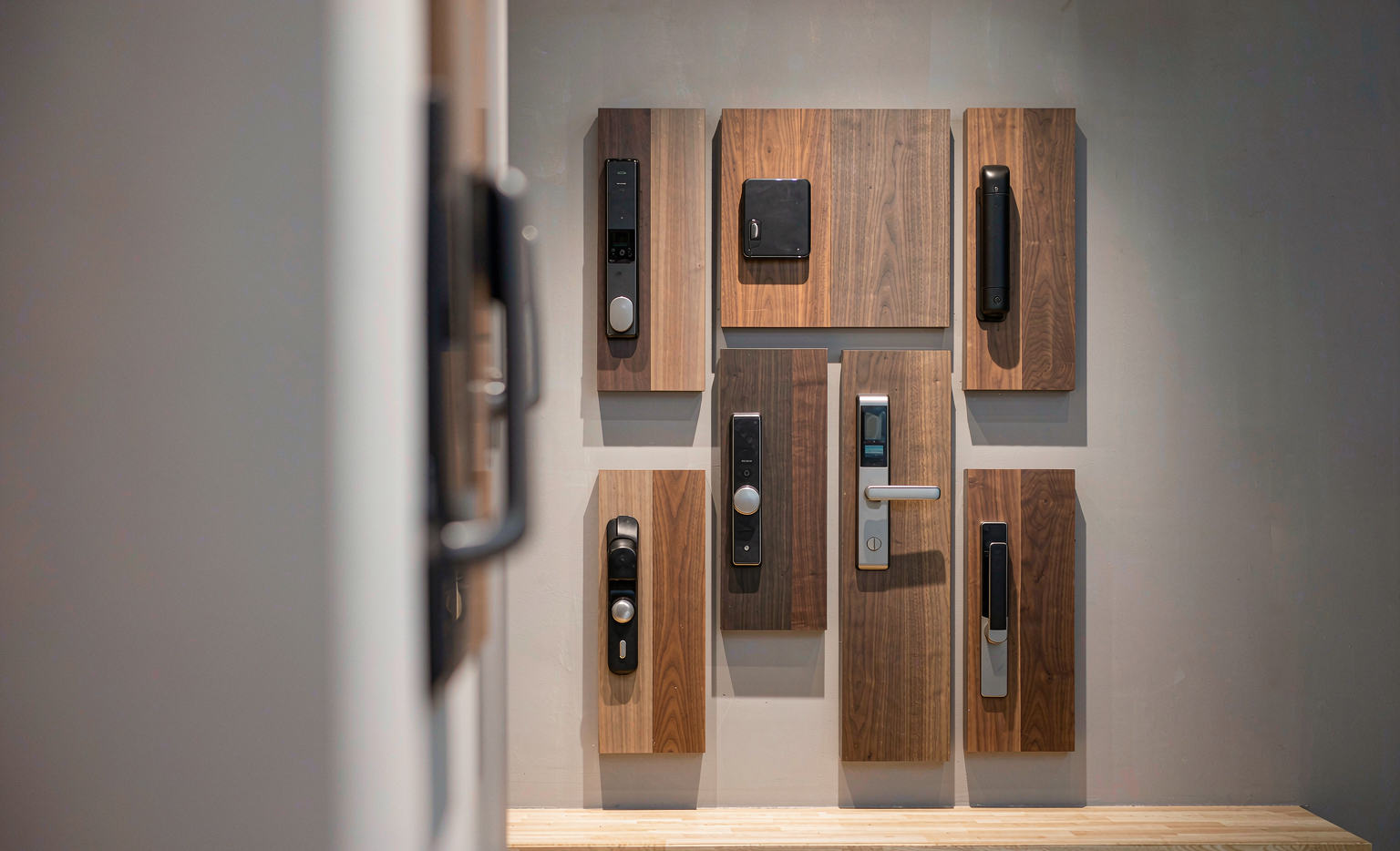
Read the map as a list of doors you can answer: standard entry, narrow aluminum, framed glass, interior room, knob retrofit. The gaps in that sentence are your expansion shortlist, in order of demand.
The stock trap: when a new line splits your inventory
Expansion has a cost that does not appear on the price list: attention capital. Each family multiplies variants — finishes, platform versions, handle directions — and every variant needs a forecast, a shelf slot and a sales story. Distributors who broaden too quickly end up with five families and one bestseller, while the slow movers quietly tie up cash and warehouse space.
The discipline that prevents this is starting narrow. Choose the single model that answers your strongest signal, in one finish and one configuration, and let it earn its variants. The article on deciding between stock and project orders walks through how to size that first commitment; the companion piece on building a starter SKU map shows how the first list usually looks.
Start with a sample, not a container
The cheapest expansion research is a sample order that behaves like a small project. Order the candidate model, fit it to a real door in your market, time the installation, read the documentation as your customer would, and hand it to the installer who raised the question in the first place. If the sample does not clear those hurdles, a container will not fix it.
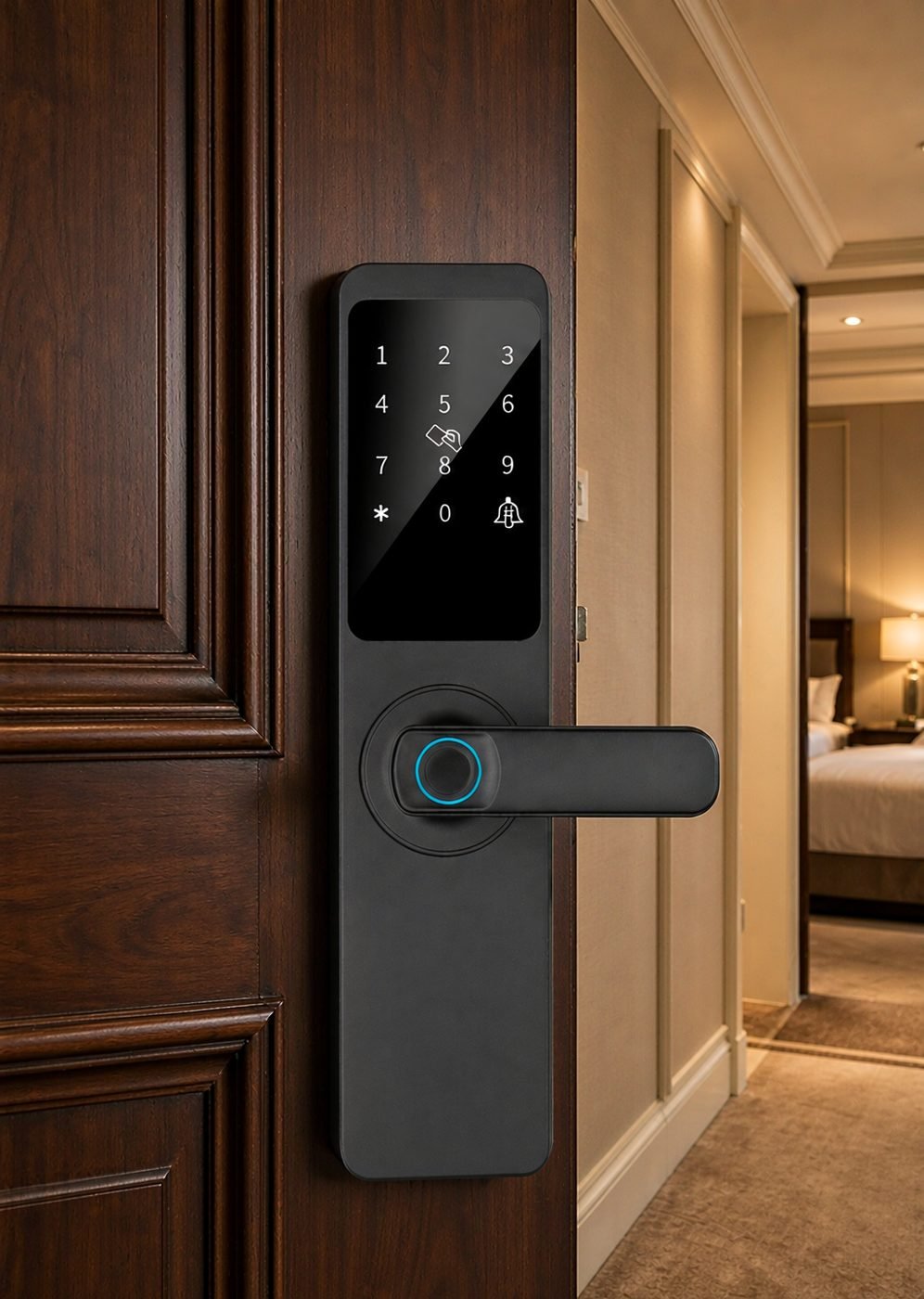
For the aluminum opportunity specifically, the fit questions come first: frame profile, door thickness tolerance and the mortise standard the door preparation expects. Our aluminum-door smart lock range is built around exactly those narrow-profile entrances, and the model page documents the mortise and finish options your installers will ask about.
A rule of thumb for the first order: expand when you can name the customer, the project type and the door that the new family unlocks — and when the sample has survived your own installer. If any of those three is missing, the request is still a conversation.
Questions to bring to a supplier conversation
When you do open the conversation, keep it concrete:
- Door coverage: which materials, thicknesses and preparations does the family document?
- Documentation: what ships with the product, and can your team pull the same files from a download center?
- Customization: what does the supplier’s logo program cover on approved orders?
- Platform versions: which app or credential ecosystems can the model run, and which ones suit your market?
- Supportability: what does the supplier expect you to handle first-line, and what comes back to the factory?
Common questions
How many lock families does a distributor actually need?
As many as the demand can support, and no more. Many healthy catalogs run a high-volume standard family plus one or two specialist lines that answer a segment — glass, aluminum or room doors — with everything else available to order. The target is coverage without dead stock, not a fixed number.
Is the glass category safe to stock?
Glass hardware tends to be project-led rather than shelf-led: buyers specify it for openings they already know about. That argues for a sample-first, project-first approach rather than deep inventory — and for choosing a model with OEM/ODM support, since glass projects often want the hardware branded to the specifier.
Can one supplier cover several families?
If the manufacturer’s line was built that way, yes — and it keeps your documentation, packaging and support answers in one place. Our own range spans deadbolt, fully automatic, aluminum, glass, semi-automatic, room-door and knob forms, with full specifications available from the product range pages or on request.
Thinking about widening your lock catalog?
Tell us which doors your market keeps asking for. CaremLock works with distributors, importers and private-label buyers, and will map the families, documentation and sample plan that answer the demand before you commit inventory.
Or explore the full product range and contact the team.