A customer walks up to the counter holding a phone photo of their front door and one sentence: “I want a smart lock — will this fit?” The next two minutes decide the sale, and they are not about price.
Retail staff cannot memorize every model in a catalog, and they do not need to. They need a small, reliable map: three questions they can answer confidently, one way to check the parts they are unsure of, and the discipline not to promise what the documentation does not say.
The three questions behind most counter conversations
Listen to enough conversations at a hardware counter and the same three questions surface in different costumes: will it fit my door; who can get in and how; and what happens when the battery runs low or the electronics fail. Almost every follow-up is a variation on one of them.
Smart lock retail staff training works best when it drills these three — until answering takes thirty seconds — rather than lecturing on features. Customers rarely buy the model with the longest specification sheet. They buy the moment they feel understood, and those three questions are the whole of “understood” at an entry-hardware counter.
Door fit: the numbers that do most of the work
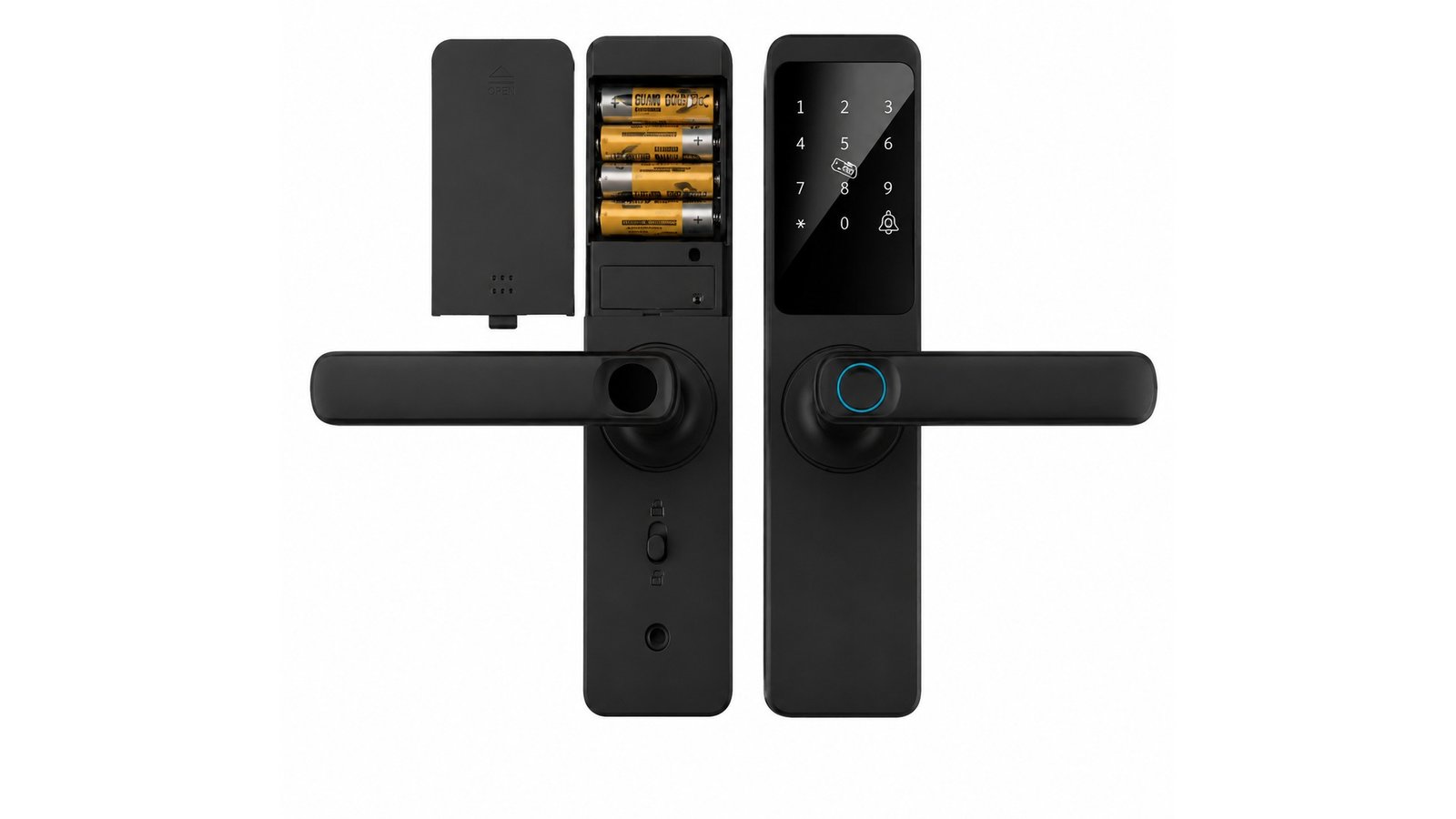
Two facts settle most fit questions. The first is door thickness: our deadbolt models document a range of 35–55 mm. The second is door material: DS05 is documented for wood and metal doors, while DS01 adds plastic to that list. Both document lock tongue options of 60 and 70 mm.
From there the map extends by door type. Aluminum frame doors and narrow-profile entrances point to LK0161, a waterproof fingerprint aluminum door lock. Framed glass doors point to A20, which documents fingerprint, password and card entry and a nine-language interface. Interior room doors point to the DDZ17. Staff who can name the door type and the model family in one sentence sound expert — because they are answering the real question.
Access: who gets in, and how
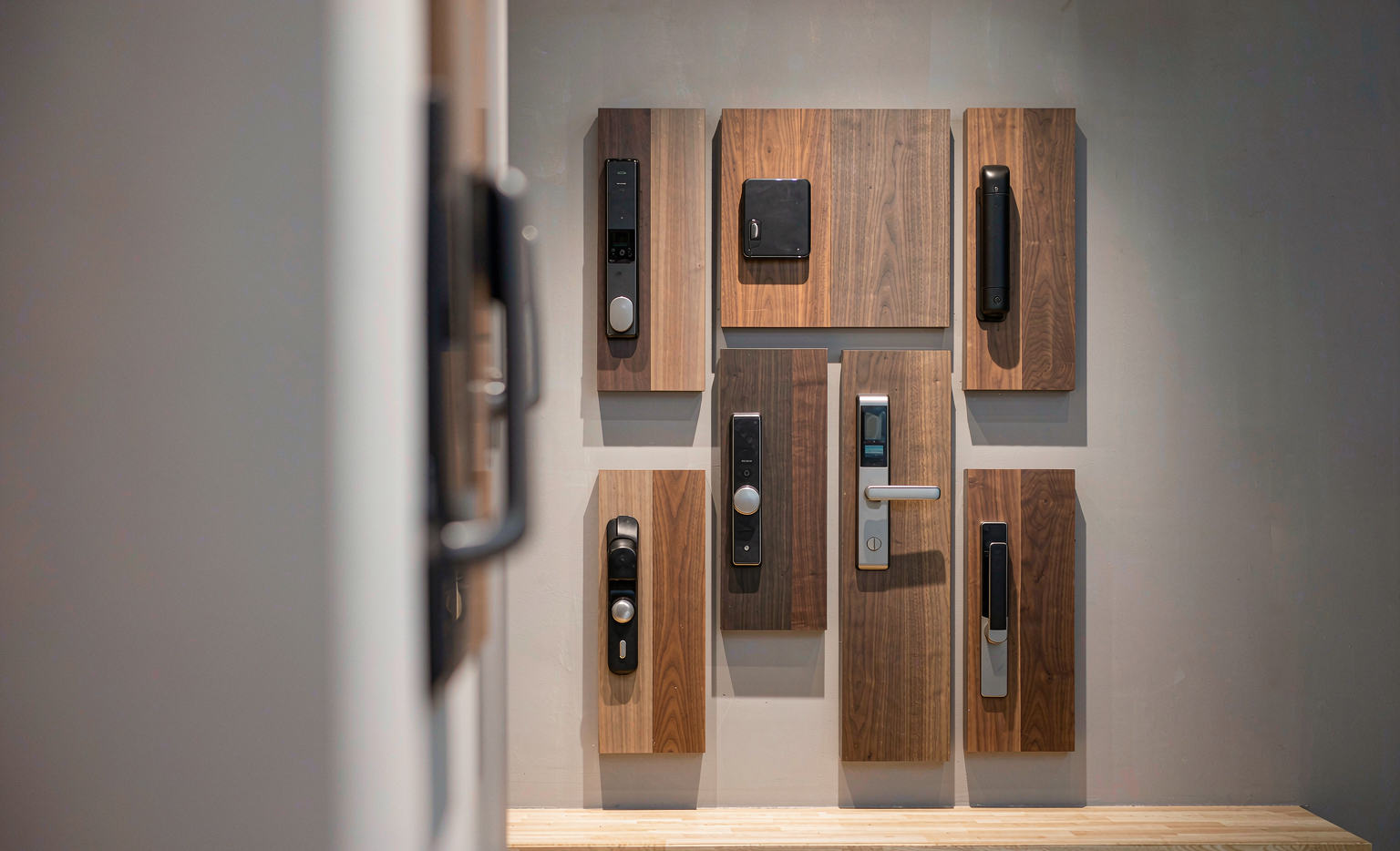
Access questions deserve the same precision as fit questions. The DS deadbolts document fingerprint, password, IC card and mechanical key entry, with capacity for 100 fingerprints, 100 passwords and 100 IC cards. The DDL1 documents palm vein, face, fingerprint, password, IC card, key and app entry. A20 covers fingerprint, password and card. LK0161 lists app, fingerprint, password, card and key.
The counter rule is simple: name the methods documented for the model in front of you, and no others. If a customer asks how many people can be enrolled, answer from the documented capacity. If a value is not published — as with some LK0161 dimensions — “we’ll confirm that from the documentation” is a complete, professional answer. The CaremLock product range gives staff a stable overview to work from.
The backup conversation customers rarely start
Every smart lock question eventually becomes a battery question, and staff who raise it first earn trust. The DS deadbolts run on 6 V from four AA batteries, with a documented mechanical key as the fixed fallback. A20 documents a 12V23A battery or 5V power bank. LK0161 is documented as battery-powered. DDL1 carries a 4200mAh lithium battery with Type-C fast charging.
The useful move is not reciting those lines but explaining the routine: where the low-battery warning shows up, what the mechanical key is for, and why the key should be kept somewhere deliberate rather than taped beside the door. For customers who want the full sequence, point them to our guide on what happens when a smart lock battery runs low.
Where the answers live when memory runs out
No counter should depend on one person’s recall. Model pages carry the headline specifications; installation drawings and deeper values live in the product documentation, and the Download Center is where staff can pull documents for a customer or a contractor without improvising.
A useful staff habit: when a question cannot be answered on the spot, write it down with the customer’s phone number and follow up the same day. That single practice turns a catalog gap into a callback — and callbacks close sales that half-answers lose.
Five sentences to retire from the counter
- “It fits every door.” Replace with: “Here is the documented thickness range and the door types it covers.”
- “It never needs maintenance.” Replace with: “It documents a mechanical key as backup — here is the maintenance routine.”
- “It will be delivered by Friday.” Replace with: “Let me confirm the timing in writing.”
- “It’s the most secure lock you can buy.” Replace with the documented entry methods and capacities.
- “You’ll never need the key.” Replace with: “The mechanical key is there for exactly the days you don’t expect.”
A cheat sheet that actually gets used
The training that sticks is one page per counter, built around four columns: door type, fitting model, documented entry methods, and what to verify before checkout. Laminate it, keep it under the till, and refresh it when the catalog grows. New staff can be productive the same afternoon; experienced staff stop second-guessing the details.
Pair it with a short script for the two hardest moments — a product the store does not stock, and a customer who wants a promise nobody can make. Staff who know how to say “let me check the documentation” without losing confidence are worth more than any display stand. For the deeper distributor-side view of what to ask before committing to a range, the questions in evaluating a smart lock supplier work at the counter too.
Questions from the counter
What if the customer doesn’t know their door thickness?
Show them how to measure it: a tape measure across the door’s edge at the latch, no disassembly required. If they are still unsure, ask for a photo of the door edge and the existing lock, and check the installation drawings in the product documentation. Most fit decisions follow from thickness, material and the existing preparation.
How do we explain the range without a demo lock?
Bucket by door type, not by price. Deadbolts for swing doors, LK0161 for aluminum frames, A20 for glass, DDZ17 for interior rooms. Three buckets and a door type is a conversation a customer can follow — and it follows the same selection logic we recommend to buyers.
Should staff demonstrate the app?
Demonstrate the lock side first: what happens at the door when a finger or code is presented. The app is administration — it changes who has access, not how the door opens for everyday users. Keeping that distinction clear prevents returns from customers who expected the phone to be required, or expected it not to be.
Equipping a retail floor with entry hardware?
CaremLock supplies documented smart lock ranges with the model pages and Download Center materials your staff training can stand on. Tell us your market and counter profile.
Or explore the product range and contact the team.