Every household has a plan for getting in. Far fewer have a plan for the day the plan fails.
The failure is rarely dramatic. It is arithmetic: the phone died on the train, the keys are in the other bag, the code has slipped from memory, and a familiar door suddenly behaves like a wall. Being locked out without phone keys is a solvable situation — but only if the household has decided the recovery layers in advance, while everyone is calm and the door is still open.
Why a single method is a single point of failure
Whatever gets you through your front door most days is probably convenient — and quietly fragile. A phone entry depends on a charged battery and, often, a network. A fingerprint depends on a dry, undamaged finger and a sensor that has met it before. A code depends on memory. A key depends on being carried, which is precisely the thing that failed on the day you needed it.
None of these methods is unreliable. They are each reliable in different conditions, which is a different statement. The household that never gets stuck is not the one with the most advanced lock; it is the one whose door offers more than one way in and whose members know every way out of a lockout.
Layer the ways in and learn each layer’s failure mode
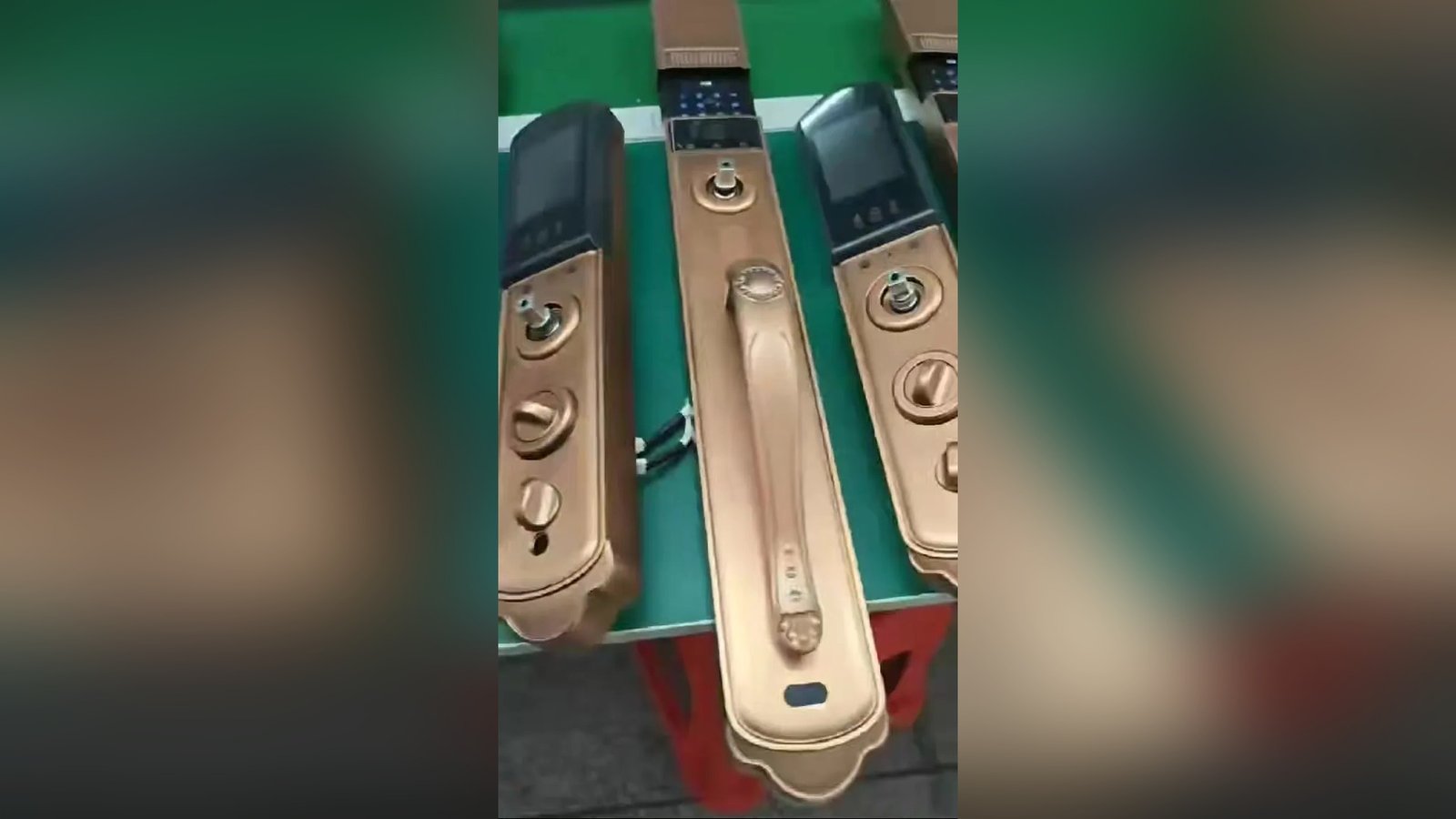
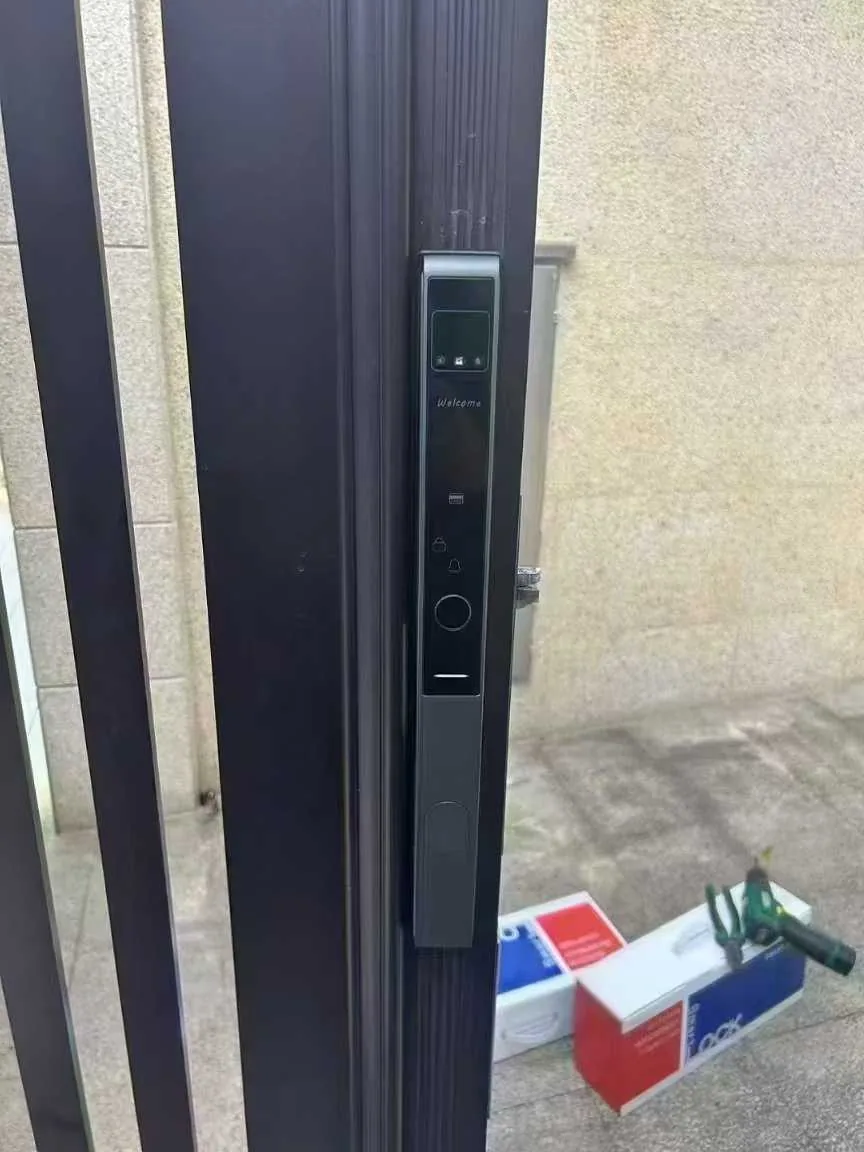
Our deadbolt models, DS01 and DS05, document four access methods, and the reason to list them in a recovery article is that they fail in four different directions:
- Fingerprint. Fast, personal, nothing to carry — and dependent on your hands. Cold, wet or injured fingers are the common failure, and the fix is simply another method.
- Password. Works without your phone and without your hands — but only if you remember it, which is why households should choose codes they can reconstruct, not codes that look impressive.
- IC card. A physical credential that survives dead phones, and fails only if it stays in the wallet that is inside the house.
- Mechanical key. Documented on both models as the fourth method, and the only layer that doesn’t care about batteries, sensors or networks at all. It is the floor of the whole system.
Power is documented as 6 V from four AA batteries, which matters for planning: a battery warning is a maintenance message, and the mechanical key exists precisely so that ignoring one is inconvenient rather than catastrophic. The full routine for that scenario lives in what happens when the battery runs low.
The ten-minute conversation every household should have
A recovery plan for being locked out without phone keys is not equipment; it is an agreement. Four decisions cover most of it.
- Where the spare key lives. Not under the mat, not in the flowerpot, not in the mailbox — those are the first three places anyone looks, including people you would rather not have looking. A trusted neighbor, a relative nearby, or a locked key safe with a combination the household can remember are the usual answers. Each has a trade-off, and any of them beats hiding.
- Who outside the household knows the plan. One person, at most two. They should know what they are holding and how to reach the household if the key is ever needed.
- Whether a connected version can help remotely. Some versions of a lock can be managed from a phone app, which gives a household member an additional route — but that route depends on the platform configuration, so confirm it against your model’s documentation rather than assuming it in a crisis.
- What children and older family members do. Children should never be told to “figure it out”; they should know the first call to make. For an older resident, the plan should route through a person, not an app.
What to do in the first ten minutes outside the door
When the door wins, the sequence should already be known, because improvisation under stress produces damage — to doors, frames and relationships with landlords. The first ten minutes of being locked out without phone keys follow a fixed order.
- Stop trying the same method harder. If the fingerprint failed twice, the finger is the problem. Use the code. If the code failed, check that you are at the right door before assuming the lock is broken.
- Try every method the lock actually has. Most lockouts end at this step, with a method the person simply didn’t think of first.
- Call your keyholder or a household member. If someone has app access to a connected lock and the configuration supports remote entry, they may be able to let you in without coming home. Helpful, but treat it as a bonus layer, never the plan.
- Escalate without force. The trusted neighbor, the building manager, or a professional locksmith — in that order. A forced door converts a lost hour into a repair bill and a security problem at the same time.
One rule worth teaching everyone: never disable your own last layer. Households sometimes stop carrying the mechanical key once fingerprints work well, and that habit holds until the first cold morning when a sensor refuses every finger.
Drills that take five minutes, twice a year
The household recovery audit
- Test the mechanical key on every exterior door, from outside, all the way through the lock and back.
- Check battery warnings on each lock and replace cells before the warning becomes an event.
- Confirm the spare key location — physically, not from memory — and that the person holding it still lives where you think.
- Ask each adult to enter one method they don’t usually use, so no one discovers a forgotten code at midnight.
- Update the register of who holds which credential, and remove any that no longer belong to anyone.
After the recovery: close the loop
The quiet part of a good recovery is what happens the following week. If a phone or key went missing, the credential attached to it should be removed from the lock’s user list and replaced — the per-person capacity documented on DS01 and DS05 (up to 100 fingerprints, passwords and IC cards) means replacement is routine rather than a negotiation. If a physical key is lost and cannot be found, ask the supplier what re-keying or cylinder replacement options are documented for your model, and update the household register the same day.
A lockout that ends with an updated register, a tested key and one new habit is a bad afternoon that made the household harder to lock out next time. That is the whole goal.

Recovery questions we hear
Can I get in when my phone is dead?
Yes, if the lock offers methods that don’t depend on it. On the DS01 and DS05 deadbolt models, the fingerprint, password, IC card and mechanical key all work without any app involvement. The phone is one layer, and on a well-planned door it is never the only one.
Where should the spare key actually live?
With a person, not a place — a trusted neighbor or nearby relative is the most common answer, followed by a combination key safe mounted where it isn’t visible from the street. The test is simple: if a stranger spent five minutes at your door, could they find it? If yes, move it.
What if the lock’s battery is flat when I arrive?
The mechanical key is the documented override, which is why the twice-a-year key test matters. If you want the early warning signs, they are in the battery guide, and the mechanical override layer explains why we treat the key as a permanent part of the system rather than a legacy leftover.
Building entry plans that survive bad days?
CaremLock supplies deadbolt and room-door ranges to distributors, installers and project buyers. Tell us the access scenarios your customers face — we will share the documented credential options that support them.
Or explore the DS01 deadbolt model and contact the team.