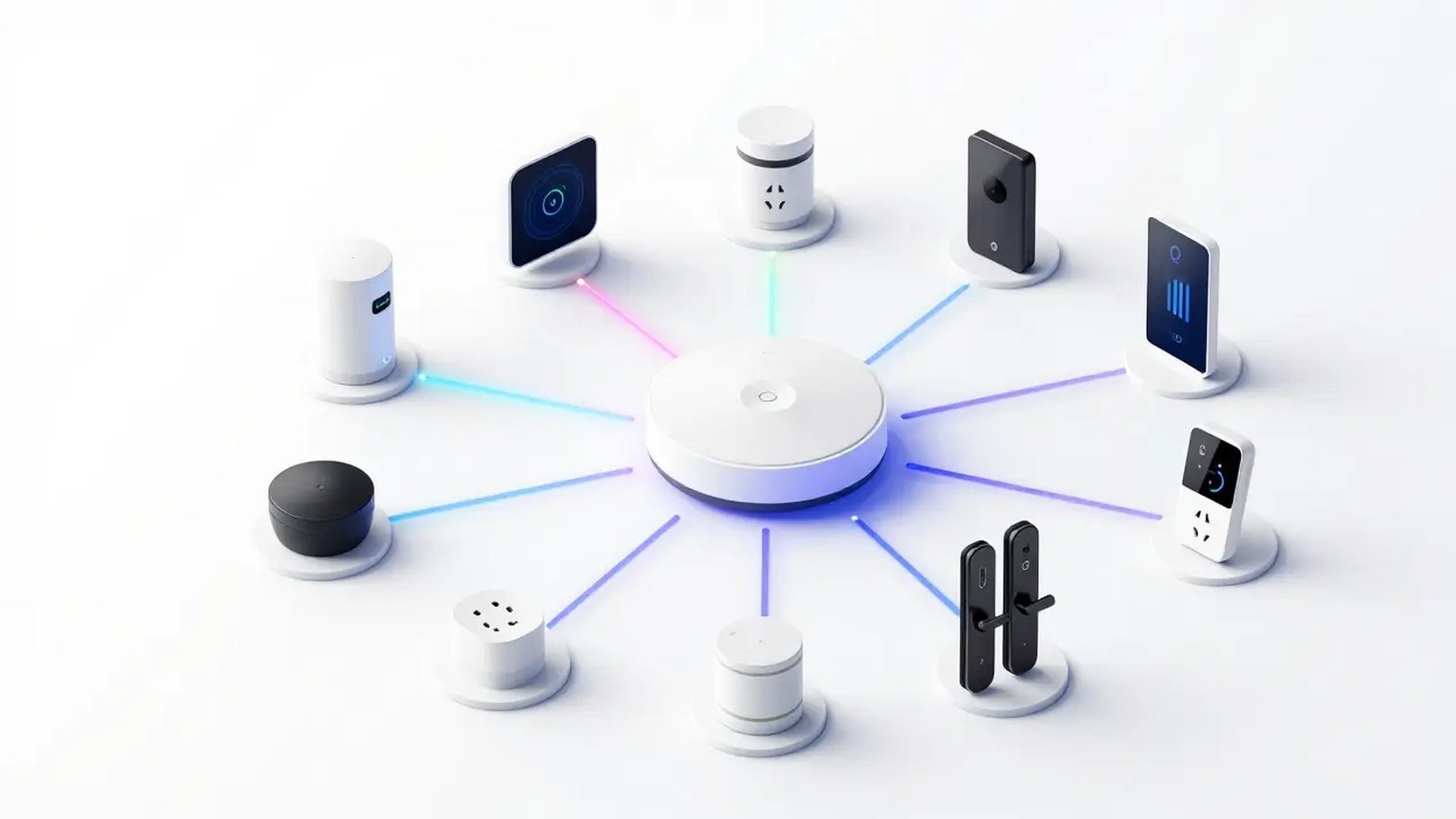
A smart lock usually talks to the world in one of four ways: Bluetooth for nearby control, Wi-Fi for direct remote control, Zigbee for a low-power mesh that needs a hub, or Matter, a standard letting devices from different brands work together over Wi-Fi or Thread. Settle this before you specify a lock: the connection decides whether a code can be changed remotely, whether a hub is needed per building, and how long the batteries last. This article explains each option, compares them for project buyers, and shows how to specify connectivity per model. It fits a buyer planning apartments, hotels, rentals or any multi-door project, who already knows the door type and target market. It does not fit a buyer choosing a lock for one home, or one whose building has a fixed platform.
Hook: The Radio Decides What the Lock Can Do When Nobody Is There
A lock that only works when someone stands at the door is a different product from one that can be managed from another city. Both can have the same fingerprint reader, keypad and finish — and behave very differently on the day a guest arrives early, a tenant leaves, or a code needs changing at midnight.
Buyers often specify the lock and leave the connection to the installer. That order is backwards: the connection decides the hub, the gateway, the battery routine and the remote-access workflow, and all four are harder to change after the locks are fitted. Ask how the lock connects when you ask about door fit, and confirm it per model on the spec sheet.
Diagnose: Four Connections, Four Different Jobs
The four options are often listed side by side as if they were interchangeable. They are not: each one does a different job, and most projects need to be clear about which job matters most.
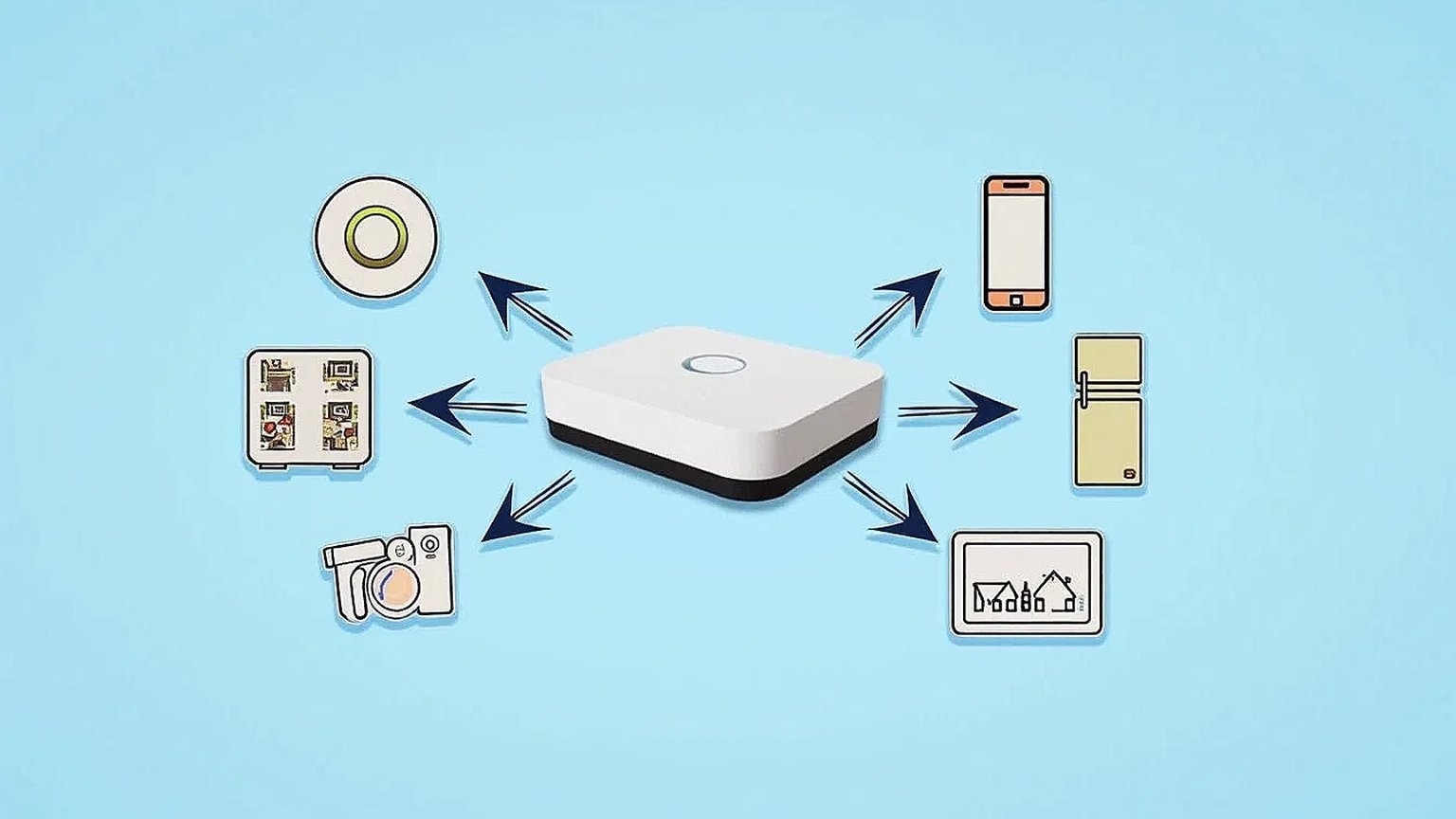
Bluetooth is the short-range connection between lock and phone. It is how most smart locks are set up and opened at the door. It uses little power, which helps battery life, but cannot reach the lock from another city on its own. Remote control over Bluetooth needs a gateway — a small device near the door bridging Bluetooth to the internet — and the gateway is a per-door cost to confirm in the quote.
Wi-Fi connects the lock directly to the internet, so codes can be changed and access checked remotely without a gateway. The trade-off is power: a Wi-Fi radio uses more energy than Bluetooth, so battery life and routine need confirming per model. Wi-Fi also depends on the building’s network at the door, not always strong in corridors, basements and metal-framed entrances.
Zigbee is a low-power mesh protocol: locks and other devices pass messages to each other and to a hub connected to the internet. It uses little power and can cover a building well, but it needs a hub, and the hub, its placement and cost belong in the project plan. Zigbee fits multi-door projects sharing one hub, and fits less well where a single lock must work alone.
Matter is a standard, not a radio. It lets devices from different brands work together, running over Wi-Fi or over Thread, a low-power mesh similar in spirit to Zigbee. A Matter lock can join a wider smart-home system without being tied to one brand’s app or hub, which matters when a project mixes brands or the customer already has a smart-home system. Matter support is per model, and it needs a compatible hub or controller — ask which one, per model, before you specify it.
CaremLock is a B2B smart lock manufacturer in Zhongshan, Guangdong, supplying distributors, importers, installers, integrators and project buyers. Its families include deadbolt, aluminum-door, glass-door, knob, rim, room-door, semi-automatic and fully-automatic locks, including the DDL fully-automatic series, DDA semi-automatic series, DDZ17 room-door lock, LK aluminum-door series, DS01 and DS05 deadbolts, and A20 glass-door lock. Which connection each model supports — Bluetooth, Wi-Fi, Zigbee or Matter — is a per-model question. Ask for the spec sheet.
What Goes Wrong When Connectivity Is Specified Last
- An integrator specifies smart locks for an apartment building and asks about connectivity only after the first doors are fitted.
- The chosen lock works over Bluetooth, but remote code changes need a gateway that was not in the quote.
- Without the gateway, the property manager cannot change a code between tenants unless someone stands at the door.
- The buyer may then need a gateway per door, a different connection, or another model.
- That rework risks delaying the handover and leaving the first tenants with codes that cannot be changed remotely.
- The bounded decision is to stop and confirm the connection, the hub or gateway, and the remote-access workflow in writing before placing the order.
Decide: Matter, Wi-Fi, Bluetooth and Zigbee Compared
Use this table to match the connection to the project, not to declare a winner — the right answer depends on the door count, who manages access, and what already exists in the building.
| Connection | How it works | Hub or gateway | Best for | Watch out for |
|---|---|---|---|---|
| Bluetooth | Short range, phone to lock | Gateway needed for remote access | Single doors; setup and nearby control | No remote control without a gateway |
| Wi-Fi | Lock connects directly to the internet | None | Remote code changes without extra hardware | Higher power use; depends on signal at the door |
| Zigbee | Low-power mesh to a hub | Hub required | Multi-door projects sharing one hub | Hub cost, placement and compatibility |
| Matter (over Thread/Wi-Fi) | Standard letting brands work together | Compatible hub or controller required | Mixed-brand systems; future-proofing a project | Support is per model; confirm the hub per model |
Work through this checklist before you specify:
- Count the doors, and note whether they share corridors, floors or buildings.
- Decide who manages access remotely: property manager, host, installer or end user.
- Confirm per model whether remote control works out of the box or needs a gateway or hub.
- Ask what the gateway or hub costs per door and where it must be placed.
- Ask about battery life and routine for the connection you choose, per model.
- Check the signal at the door: Wi-Fi and mesh fail quietly where coverage is weak.
- Ask how codes, eKeys and records are managed over the chosen connection.
Broad approximate price ranges, for example $50–150 depending on market and model, can frame a budget only; a gateway or hub per door sits on top of the lock price, so confirm the exact figure per project.
De-risk: What This Comparison Cannot Decide for You
This comparison narrows the choice; it does not make it. Three limits matter. First, connectivity is per model, not per brand. A factory may offer Bluetooth on one model, Wi-Fi on another and Matter on a third, and the same model name with a different radio is not the same product. Check the spec sheet for your exact model. Second, the building decides as much as the catalogue does. Thick walls, metal doors, basements and weak Wi-Fi at the entrance change what works, and the only way to know is to test the sample on a real door. Third, a connection choice lasts for the life of the project: moving to another platform or protocol means new hubs, new apps and new habits for everyone who manages access. Treat the connection as a multi-year decision, and confirm the hub, gateway and handover process in writing.

Stock orders can start from 1 piece, and ready stock is available — confirm the exact models and stock status per model. Do not assume a stock model supports the connection your project needs; confirm it per model first.
If the connection, hub or gateway is unconfirmed, stop. Do not work around the gap by ordering the lock and deciding later, accepting a verbal promise, or asking the installer to sort out remote access on site. The comparison has done its job when it stops an order that the evidence cannot support.
Act: Request the Spec Sheets and a Sample
You now have a connectivity shortlist, or a list of open items. Next, request the spec sheets and a sample.
Primary — request a project quote and spec sheets: Email sales@caremlock.com to request a project quote and the spec sheets for the models you are specifying. Include your door type, the connection you need, the door count, the quantity you plan to order and the market you will sell into, and ask the sales team to confirm the connection, hub or gateway, and remote-access workflow per model. This does not commit you to an order.
Soft — use the comparison on your shortlist: Use the table and checklist above to compare the four connections for each model on your shortlist the same way. Keep the connection, hub and gateway answers with the spec sheet that supports them.
Fallback — save the comparison and email later: If you are not ready to contact a factory, save this comparison locally with your door type, connection choice, door count, quantity and market noted on it, and email the sales team later to request a sample and the spec sheets.