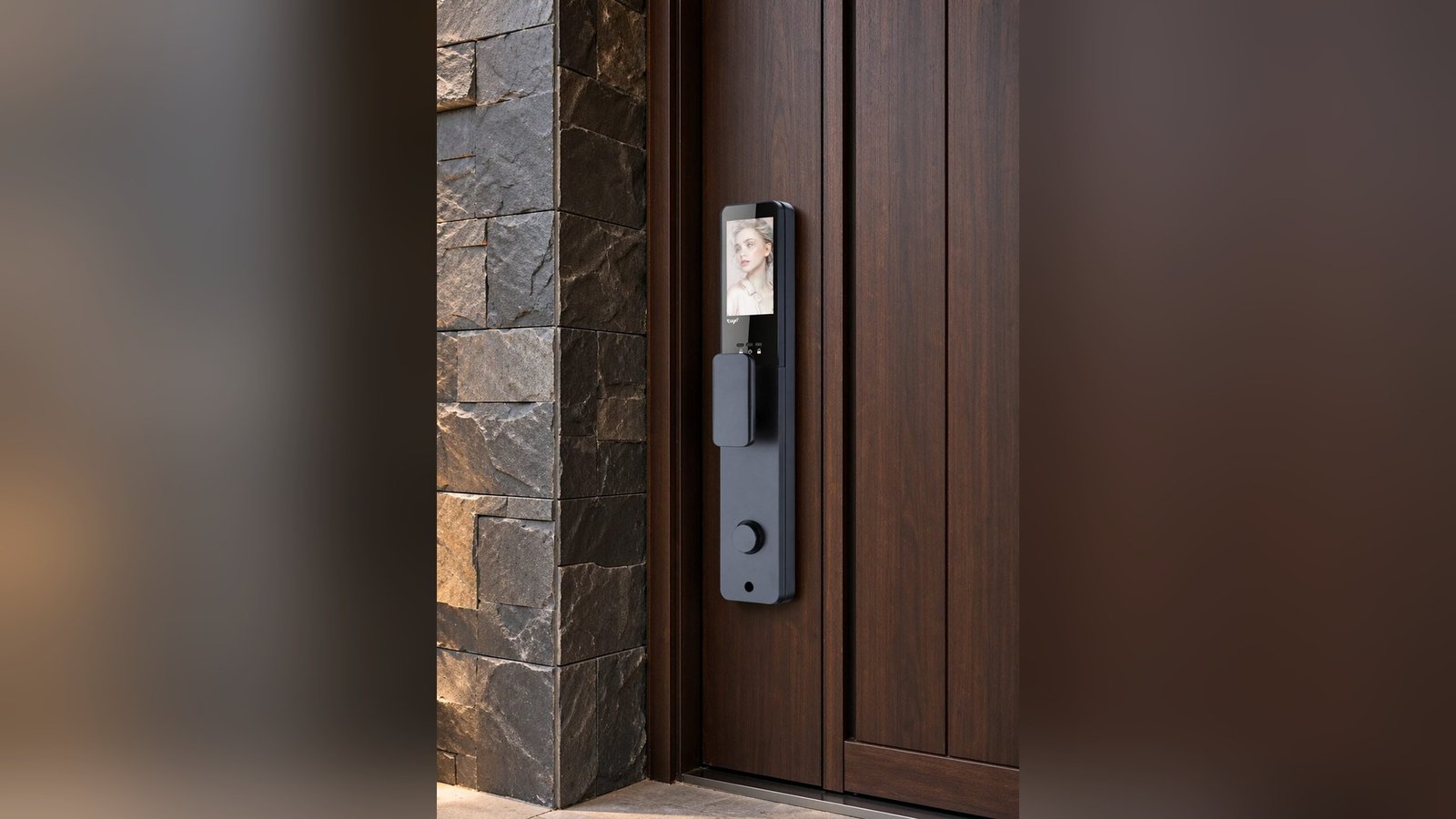
A lock has no eyes and no hands, so it reports itself with signals: a beep, a blink, a click of the bolt, sometimes a spoken sentence. Whether those signals are clear or cryptic decides how a door feels to everyone who uses it — the resident who does it on autopilot, the guest who has never seen this lock before, and the older relative who needs to hear that the door has understood.
Smart lock sounds feedback is designed, not decorative. Every chime is a sentence the door says, and the whole vocabulary has to be learnable in seconds, audible through a closed door, and gentle enough not to wake a sleeping household at midnight. This is what good feedback design does, where it fails, and how to judge it before you buy.
What the door is trying to say
Behind the beeps sits a small set of messages. Entry accepted. Entry rejected. The door is locked. The battery is running low. A credential was added. A credential was removed. In normal operation, a user should be able to distinguish these without reading anything, because hands are usually full and the moment is usually brief.
Designers have three channels to work with: sound, light and motion — the bolt’s click is feedback too — plus, on some models, a spoken voice. The best locks use a consistent rule for each channel, so the signals stay learnable: one rising tone for success, a lower or repeated tone for rejection, steady light for ready, a distinct color or cadence for something needing attention.
Beeps, lights, voices: what each channel is good for
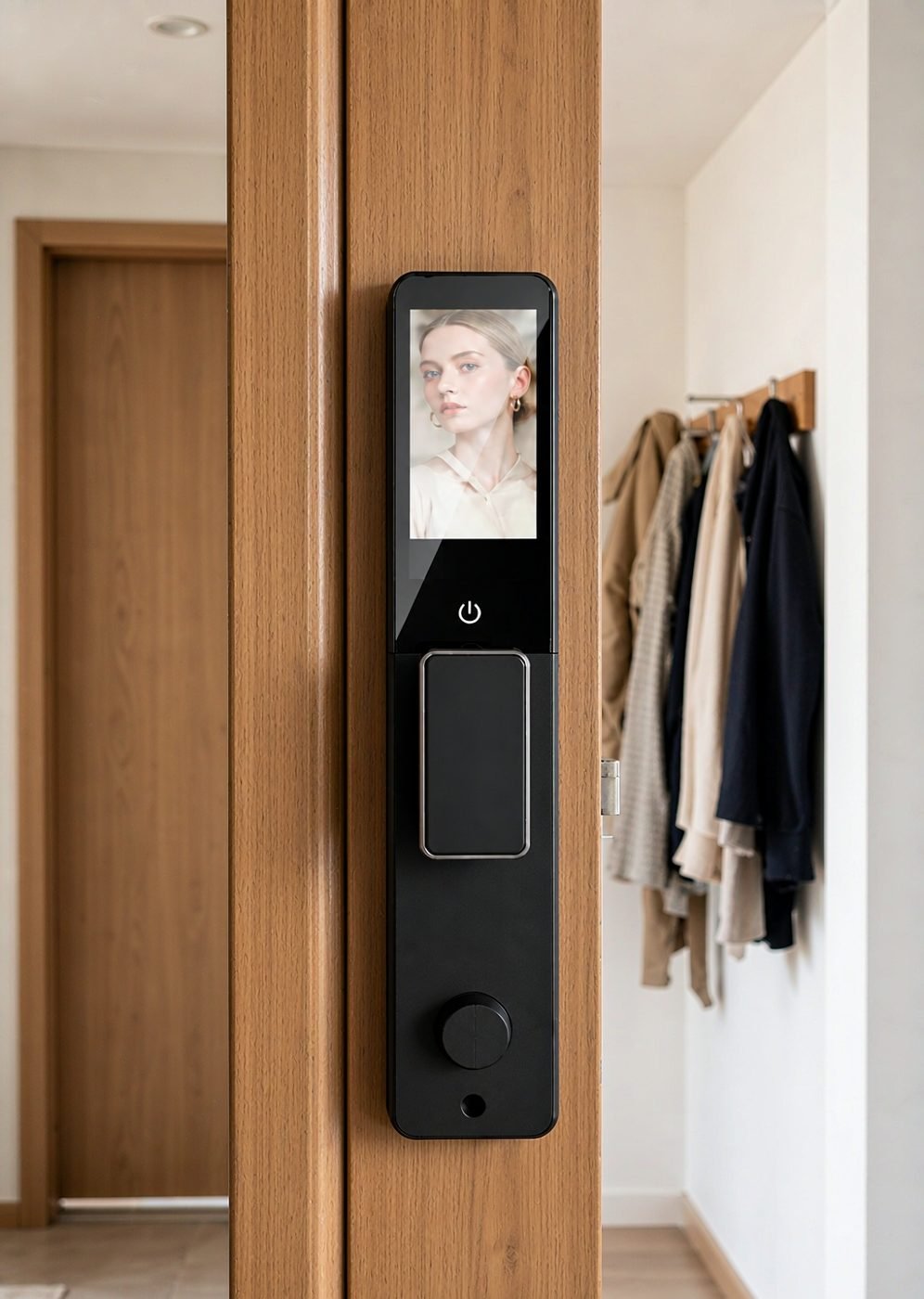
Each feedback channel has a talent. Sound carries around corners and through a door left ajar, but it fails in noisy streets and quiet nights. Light is precise and private, but useless to someone who cannot see the panel. A voice — where a model supports it — is the most explicit channel and the least ambiguous: words can explain, warn and prompt in a way neither tone nor color can.
Our deadbolt models document voice prompts in Chinese, English, Spanish and Portuguese, an unusually practical piece of design for households where residents and visitors may not share a first language. For a cleaner, a caregiver or a grandparent, a spoken “verified” removes the guesswork entirely — no interpreting a tone, no second attempts. The combination of channels matters too: a lock that speaks and shows a light gives two chances to understand, and users naturally settle on whichever channel suits them.
Why feedback matters most to guests and older users
Regular users stop noticing the feedback — they press, the door opens, and the signals blur into habit. The people who truly depend on it are occasional users: guests, delivery visitors, and older family members, each arriving without the resident’s memorized rhythm. For them, a cryptic three-note sequence is indistinguishable from an error, and the natural response to uncertainty is to try again, repeatedly, which is how a small confusion becomes a lockout or a call for help.
Feedback design for this audience follows the clarity principle: make the common case unmistakable, keep the failure case distinct and calm, and never leave a person wondering whether the door accepted them. It’s the same philosophy that shapes our guide to locks for elderly parents, where the question is never how clever the lock is, but how little it asks of the person standing at it.
Volume, timing and the soundscape of a home
Smart lock sounds feedback has a social dimension that spec sheets ignore. A chime that is reassuring at 3 p.m. is a disturbance at 3 a.m.; a spoken prompt that helps a guest is a nuisance in a thin-walled apartment. Good feedback design accounts for this with context-appropriate settings — volume levels, silent or night modes where the platform supports them, and lights that can carry the message when sound should not.
Timing matters as much as tone. Signals should be immediate at the moment of touch, and they should stop when the message has been delivered. A lock that beeps for several seconds after success is teaching users to walk away before it finishes; a lock that stays silent for a noticeable moment after a press is teaching them to press again. Both are design faults, and both are corrected by something as simple as a deliberate review of the lock’s behavior under real household conditions.
The overnight test: before settling on settings, program the lock the way you will actually use it and test it after dark, with the household asleep and a door between you and the lock. What is audible in daylight may carry differently at night — and what sounds fine at the panel may be intrusive from inside a bedroom.
When feedback fails — and how to read the failure
Most “the lock is broken” moments are feedback failures rather than mechanical ones. Three patterns cover a large share of them:
- Ambiguous rejection. If a failed fingerprint and a low battery announce themselves similarly, the user learns the wrong lesson — wiping their finger when they should be replacing cells. Distinct, documented signals prevent this. Our guide to when a fingerprint is not recognized separates those causes properly.
- Silent success. A door that opens with no confirmation sends users back to test it, and sometimes they undo the very state they just set. Every accepted action should announce itself.
- Feedback that doesn’t travel. Signals designed for an indoor hallway behave differently on a noisy street or through a heavy door. Where the lock is used from outside, the signal has to survive the street, which is a specific challenge for late arrivals, covered in our piece on the 11 p.m. door.
Diagnosing by pattern is easy once the intended vocabulary is known: read the model’s documentation, learn what each signal means, and check whether the lock is actually speaking a language your household understands. Treat smart lock sounds feedback as a small vocabulary worth learning — the door will keep using it every day.
Feedback and access roles in shared settings
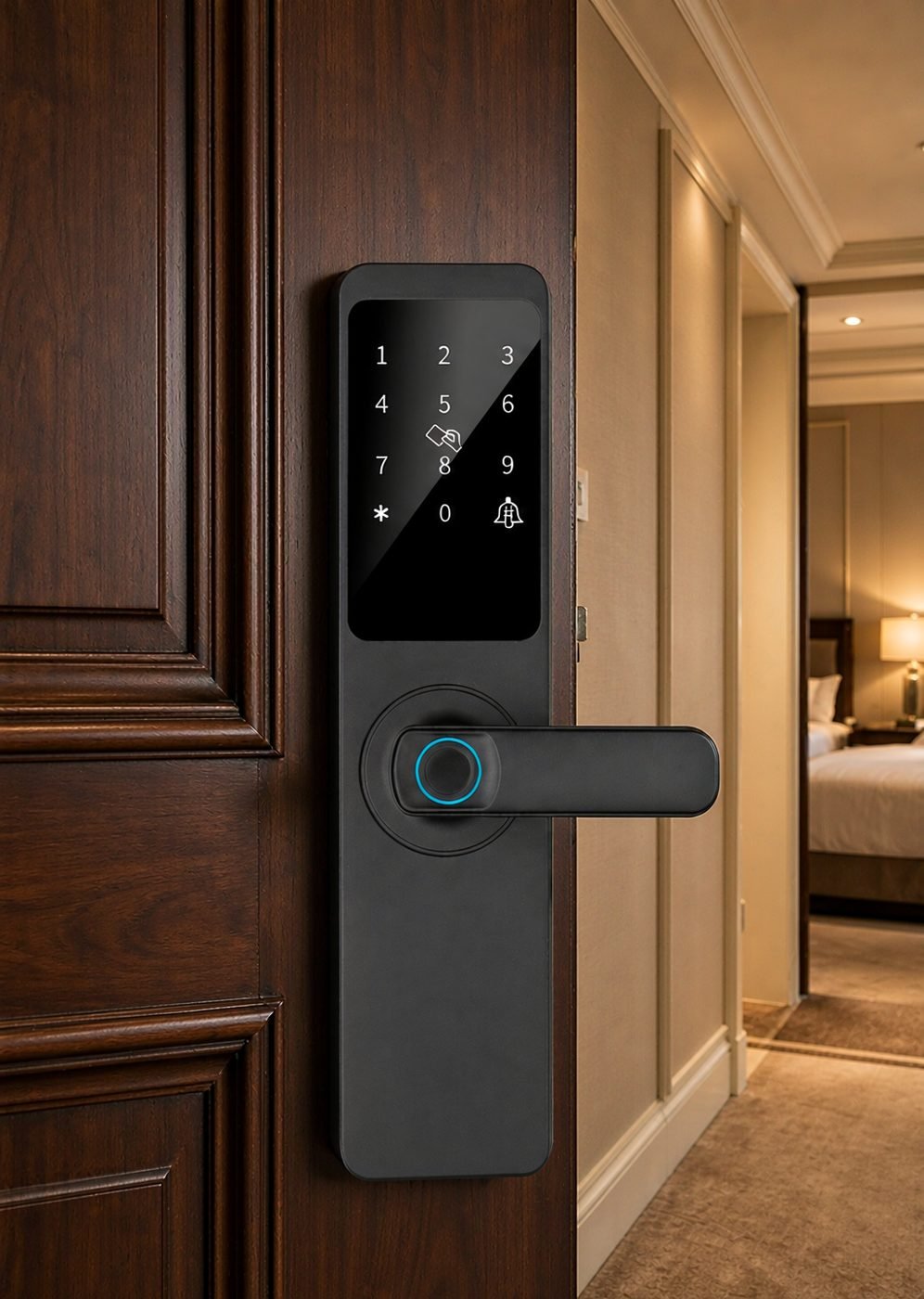
The more people a door serves, the more feedback has to do. A hotel room, a serviced apartment, a shared office — each brings first-time users to the same lock, and each expects the door to be self-explanatory. That’s why models positioned for that environment pay attention to user roles and temporary access: the DDZ17 room-door model documents temporary password support for hotel rooms and serviced apartments, and any temporary-access flow lives or dies on whether the guest can tell that their code was accepted.
For buyers, feedback is a support-cost question as much as a user-experience one. Clear signals mean fewer calls to the front desk and fewer troubleshooting hours for installers. When specifying a range, it’s worth asking to see not just which methods the lock supports, but how it communicates each outcome — and whether the signal vocabulary is documented so staff and users can learn it.
Common questions
Can the lock’s sounds be turned down or off?
On many platforms, yes — volume settings and silent or night modes exist where the configuration supports them, though the exact options depend on the model and its platform version. Check the documentation for the specific configuration you are ordering, and confirm whether indicator lights continue to carry the message when sound is reduced.
Are voice prompts useful if the whole household speaks one language?
They still earn their place, because the benefit is clarity rather than translation — a spoken confirmation is understood without learning any signal vocabulary at all. In households that mix languages among residents, helpers or guests, the benefit is stronger. Our deadbolt models document voices in four languages, so the choice belongs to the user rather than the factory.
Why does the lock beep differently at different times?
Because it is saying different things. A distinct signal for low battery, a repeated tone for a rejected attempt and a rising tone for success are all intentional. If the meanings are not obvious, that is a documentation gap worth closing — and a question to ask any supplier when comparing models.
Choosing locks with feedback your users will understand?
CaremLock supplies smart lock ranges to distributors, installers and project buyers, with documented feedback behavior including multi-language voice prompts. Tell us your market and the users at the door — we will match the models and the documentation.
Or explore the deadbolt smart lock range and contact the team.