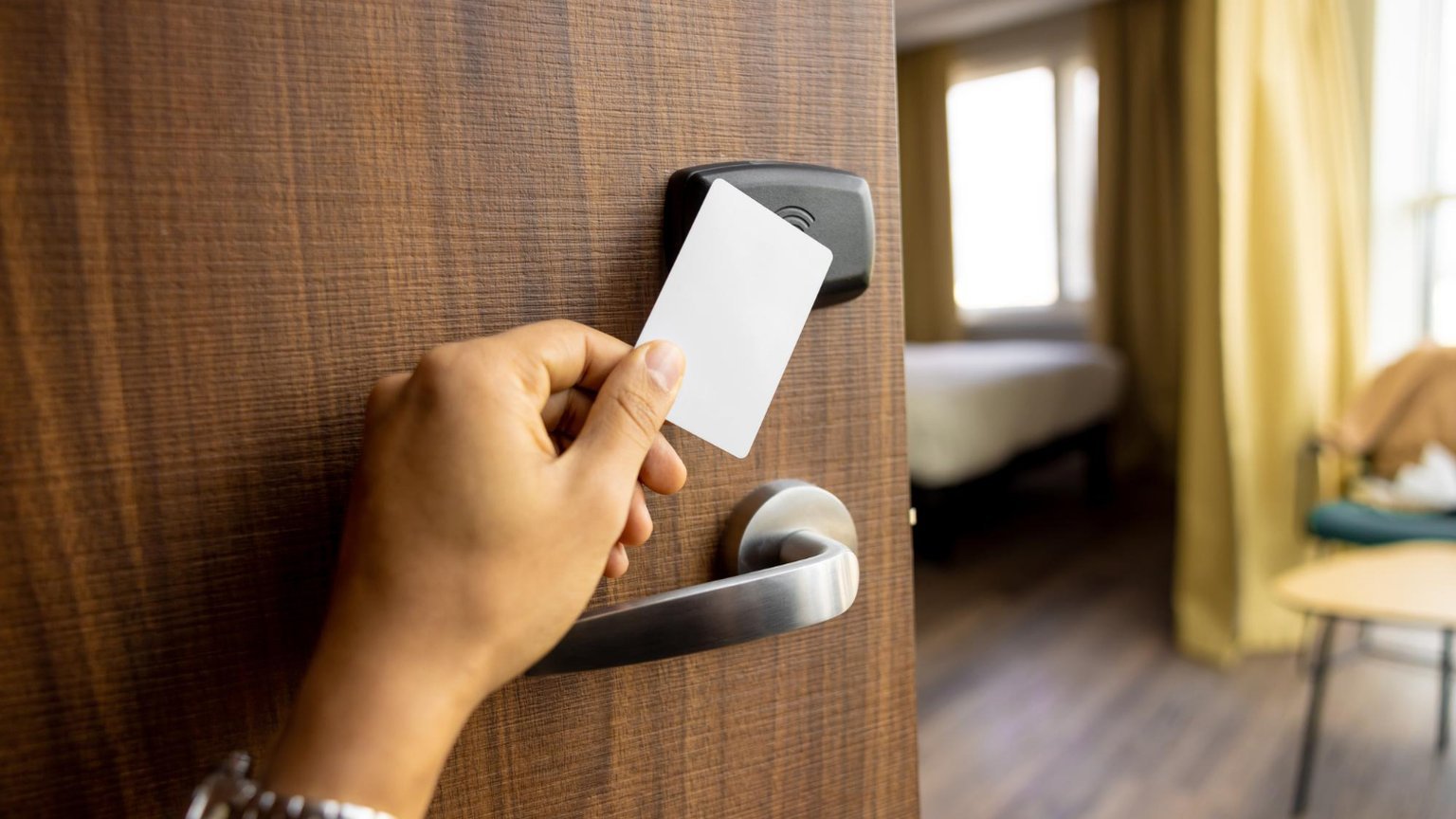
A hotel smart lock system is not a door lock. It is four parts: the lock on each door, the key cards guests carry, the encoding step that writes each card, and the management platform that links it all to the property management system (PMS). If any one part is missing, the guest still gets in — but the front desk works around the system instead of through it. This guide is for hotel owners, operators, integrators and project buyers planning a full smart lock rollout. It does not fit a buyer choosing a lock for a single home, or a hotel replacing a handful of locks. Before you ask for a quote, count your rooms and name your PMS.
Hook: The Front Desk’s Two Minutes
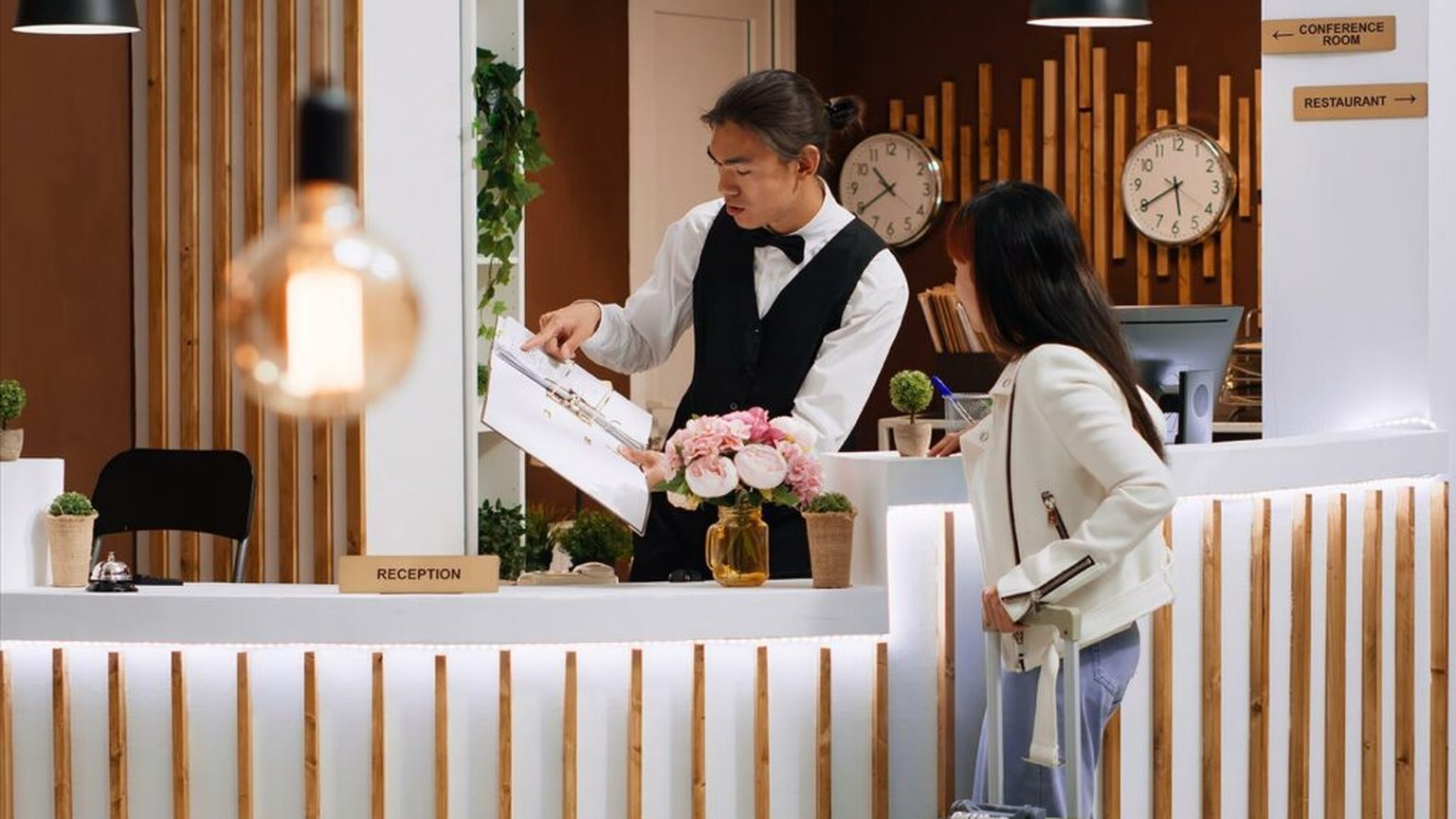
Check-in is the moment a hotel lock system is judged. A guest arrives, a card is encoded, and the guest opens the door. Done well, that takes about two minutes; done badly, ten, with a second card and a guest waiting with luggage.
The difference is rarely the lock. It is the link between the PMS and the card encoder, and the way staff access is organised. If the receptionist types the room and dates by hand into a separate encoder, every check-in carries a typing risk. If housekeeping cards open every room with no record, the hotel has no answer when a guest reports something missing. If the system depends on a network connection, the front desk needs a way to keep issuing cards when it drops. So a hotel lock decision starts at the front desk, not at the door. CaremLock’s room-door family, including the DDZ17, is its hotel range; confirm per model how cards are encoded, how the lock is managed, and what happens when the network or power is unavailable.
Diagnose: Four Parts, One Workflow
First, the door locks. Hotel guest room doors usually have a mortise preparation; the lock must fit the door’s thickness, backset and handing, checked per model. It must survive far more cycles than a home lock: dozens of openings a day by guests who have never used it before. Ask how it is powered, what happens when the battery runs low, and whether there is a mechanical override — confirm per model.
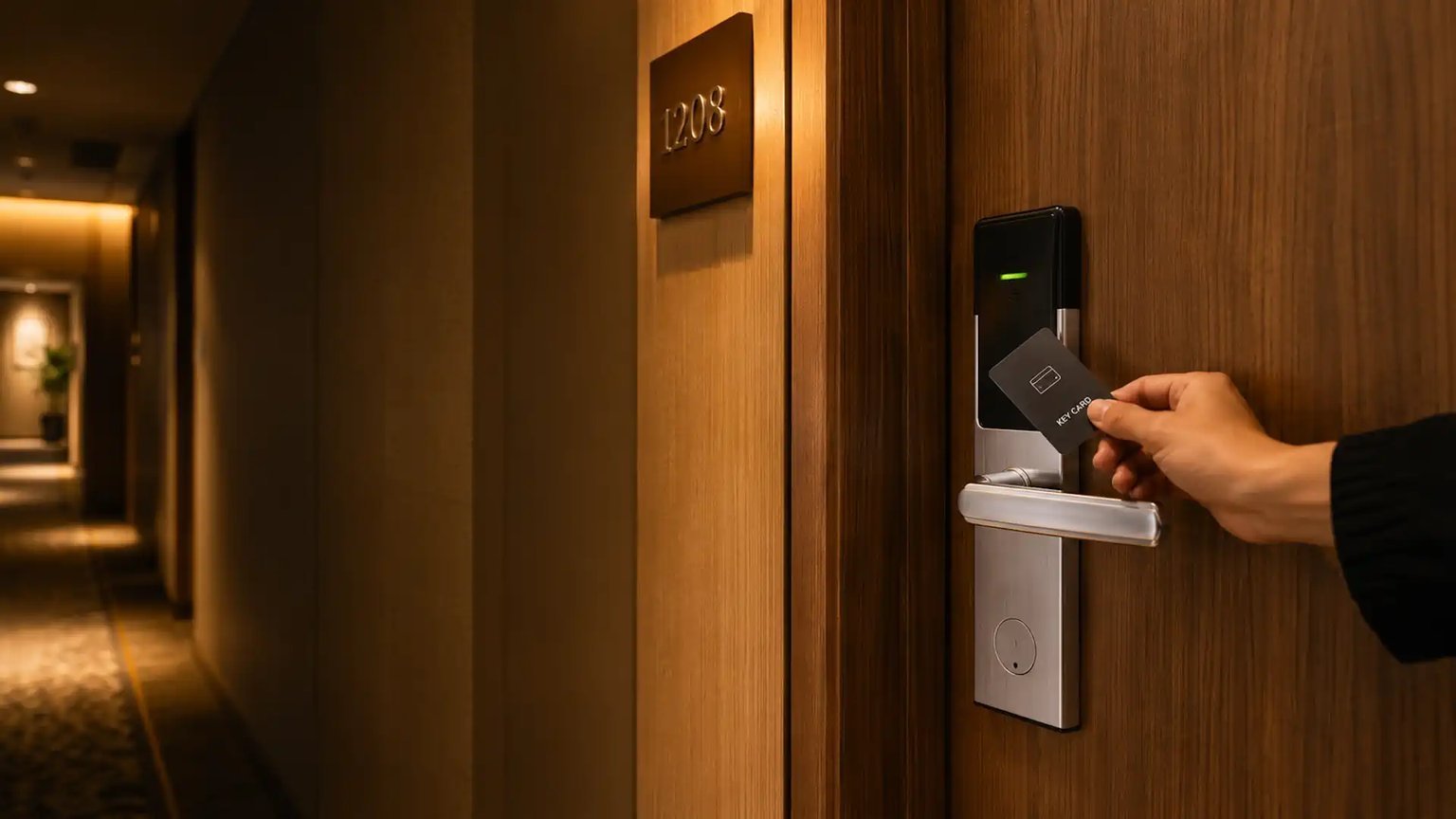
Second, the key cards. Most hotel systems use contactless RFID cards — confirm the card type per model. A card is normally written for one room and one stay, so it stops working when the guest leaves. Ask how cards are encoded, how many per room, and what happens when one is lost: the old card must be cancelled without changing the lock. Also confirm whether it supports other credentials, such as a PIN or app access, per model.
Third, the PMS link. The PMS holds the booking, and the lock system needs it to encode the right card from the booking, not by retyping it. Ask which PMS the platform connects to, whether the link is direct or a separate step, and what the front desk does when the PMS is unavailable. Do not assume a named PMS is supported — confirm it for the exact version you run, in writing, before ordering.
Fourth, the management platform. This is where the hotel controls access: staff cards, time-limited contractor access, and a record of who opened which door. Ask who holds administrator rights, how access is handed over when staff change, and whether the platform is on site or remote. Remote management matters most for multi-building properties: a manager can cancel a lost card, extend a stay or lock a room without walking to the door. Confirm per model whether the lock is managed online or offline: an offline lock cannot be changed remotely.
What Goes Wrong When One Part Is Missed
- A 60-room hotel orders smart locks for every room, choosing on price, without checking the PMS link.
- The locks work, but the encoder is separate, so every check-in means retyping room and dates.
- A mistyped date issues a card that stops working a day early, and the guest is locked out.
- With no record of who opened which door, the hotel cannot say who entered the room.
- That failure risks a refund, a bad review, and a front desk that stops trusting the system.
- The bounded decision is to stop the rollout, confirm the PMS link and card workflow on a pilot floor first.
Decide: The Hotel Smart Lock Rollout Checklist
Work through this checklist before ordering; a system passes only when the answer is confirmed for the exact models and platform you will buy.
| # | Check | What to ask for | Pass signal | Stop signal |
|---|---|---|---|---|
| 1 | Door fit | Thickness, backset, handing, mortise size per room type | The lock fits every room door type | Any room door type has no matching model |
| 2 | Card type | Card type and reader, per model | The card type is stated for the exact model | The card type is stated only for the range |
| 3 | Card encoding | How a card is written, for which room and dates | Encoding follows the booking, with a clear step | Encoding needs the room and dates retyped by hand |
| 4 | Lost cards | How a lost card is cancelled | The old card is cancelled without changing the lock | Cancelling a card needs a visit to the door |
| 5 | PMS link | Which PMS the platform connects to, and how | The PMS and version you run are confirmed in writing | The PMS link is described only in general terms |
| 6 | Offline behaviour | What works when the network or PMS is down | Cards can still be issued and doors still open | A network outage stops check-in |
| 7 | Staff access | Housekeeping, maintenance and contractor cards, time-limited | Staff cards are time-limited and recorded | One staff card opens every room with no record |
| 8 | Remote management | Whether locks are managed online or offline | Lost cards and extensions can be handled remotely | Every change needs a visit to the door |
| 9 | Power and override | Battery type, low-battery behaviour, mechanical override, per model | Power, fallback and override are stated per model | Any of the three is not stated |
| 10 | Pilot floor | A pilot installation on one floor | The pilot covers check-in, lost cards and a network outage | The supplier proposes a full rollout with no pilot |
Run the pilot on one floor, with real bookings and one simulated outage. If it passes, the rollout is a repeat; if it fails, the failure is contained to one floor.
De-risk: What the Checklist Cannot Prove
A checklist proves the system is specified correctly, not that it will survive a full season. Guest behaviour is the variable no document covers: cards left in rooms, cards held against the wrong reader, doors left ajar. Ask the supplier what the front desk should do in each case, and note the answers before opening.
Two more limits matter. First, the platform lasts for the life of the hotel, not one lock. Ask who supports it, how it is updated, and what happens if the hotel changes its PMS — and confirm in writing. Second, offline and online locks fail differently: an offline lock keeps working when the network drops but cannot be changed remotely; an online lock can be changed from the desk but depends on the connection.
Stock orders can start from 1 piece, and ready stock is available — confirm the exact models and stock status per model. Broad approximate price ranges, for example $50–150 per lock depending on market and model, can frame a hardware budget only; the full project cost also depends on doors, PMS work, encoders and installation — confirm the exact figure per project. Do not compare on the per-lock price alone: the cheapest lock can be the dearest system.
If a supplier cannot confirm the PMS link, card workflow or offline behaviour, stop. Do not work around the gap by ordering the locks first or accepting a verbal promise. The checklist has done its job when it stops a rollout the system cannot support.
Act: Request the Spec Sheets and a Pilot Quote
Next, request the spec sheets and a pilot quote for one floor.
Primary — request a project quote and spec sheets: Email sales@caremlock.com to request a project quote and spec sheets for the hotel and room-door models you are considering, for example the room-door family including the DDZ17. Include your room count, door types, PMS name and version, and pilot-floor quantity, and ask the sales team to confirm the PMS link, card workflow and remote management per model.
Soft — use the checklist on a pilot floor: Use this checklist to plan a pilot on one floor, with real bookings and one simulated network outage. Keep the results with the checklist, so the rollout decision is made on evidence from your own property.
Fallback — save the checklist and email later: If you are not ready to contact a supplier, save this checklist locally with your room count, door types and PMS name, and email the sales team later to request a pilot quote and the spec sheets.