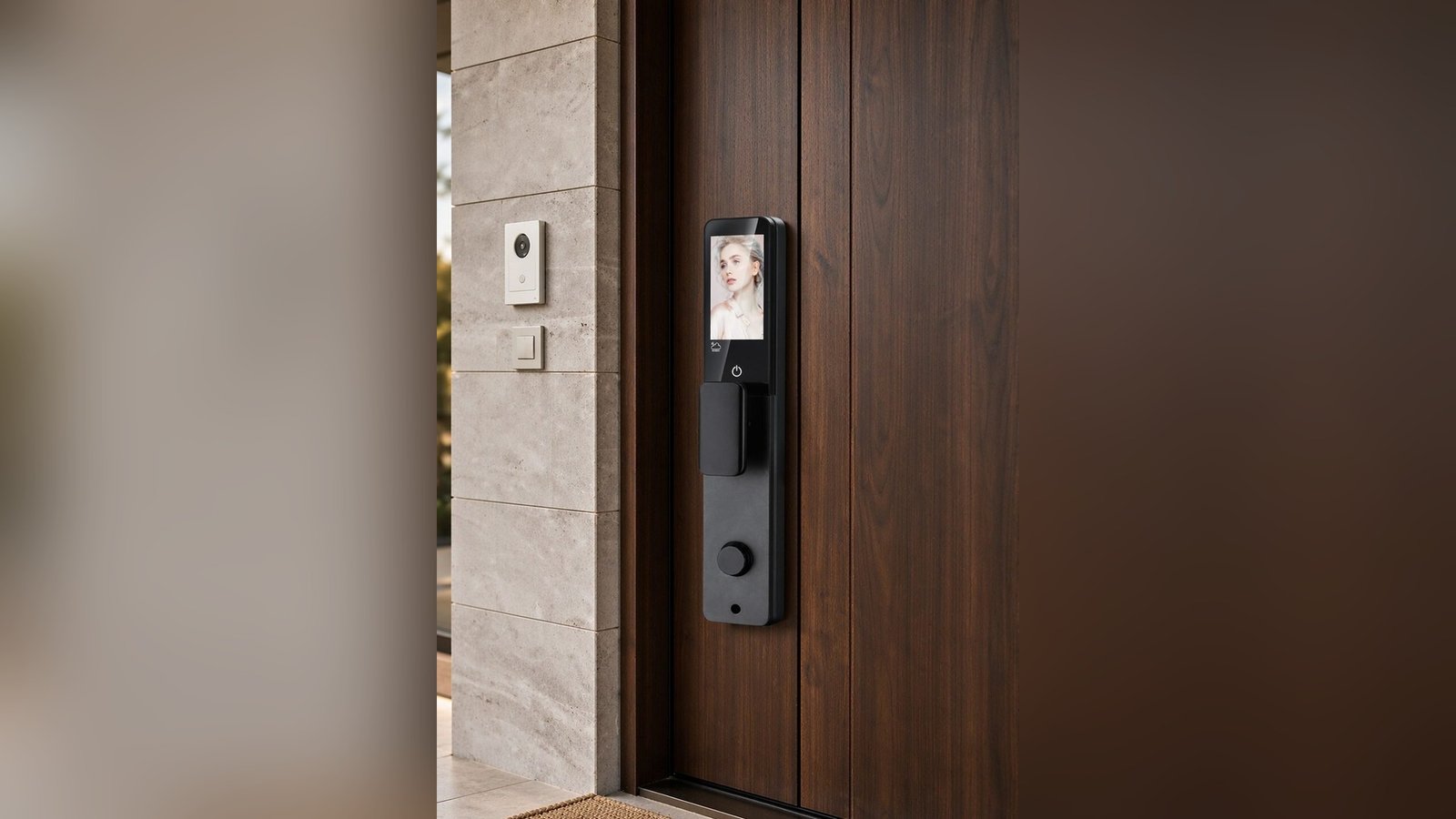
Of all the words on a smart lock feature list, “auto-lock” gets agreed to most casually and understood least. People picture a door that locks itself — which is true, and not the whole story. What auto-lock actually changes is a habit, a question, and occasionally a surprise, and the difference between a household that loves it and one that resents it usually comes down to one decision made properly at setup.
This article is about that decision: what auto-lock should mean, what it should not, and how to choose the behavior for your house before the door chooses it for you.
The question it was invented to kill
Auto-lock is a design answer to a specific, repetitive human question: did I lock it? Households have answered that question for decades with routines (last one out locks), paranoia (a walk back to check), and blame (somebody didn’t lock it). Every one of those mechanisms fails at some rate — and the failure costs either a night of low-grade worry or a genuine security event.
The case for automatic locking is that it moves the answer from memory to mechanism. If the door secures itself after closing — or after a fixed interval — the question becomes observation (“the door locked”) rather than recollection (“I think I locked it?”). Households with this arranged consistently describe the same relief: one less thing to carry in the head.
Where auto-lock gets misunderstood
Auto-lock is one phrase covering at least three different behaviors, and confusion between them is behind most of the annoyance it generates:
Three things “auto-lock” can mean
- Lock-on-close. The bolt extends when the door closes. Maximum security, zero decisions — and the most rigid: the door locks *right now*, and a hand you’d have kept inside briefly is locked out instead.
- Timed auto-lock. The bolt extends after a delay — long enough to walk in with groceries, short enough to close the gap the habit used to cover. This is the version households most often end up preferring.
- Self-locking mechanism class. On some products the closing motion itself throws the bolt as part of the design (the “automatic” in a fully automatic lock, like our DDL1’s model class). Here auto-lock isn’t a setting — it’s how the mechanism works, and the behavior is defined by the product, not the options.
Before choosing a lock, the questions to ask are therefore specific: which of these does the product do, is the behavior adjustable, and what does the documentation say about turning it on and off? A household that wants to *sometimes* leave the door unlocked for five minutes has different needs from one building a fortress, and “auto-lock: yes” answers neither.
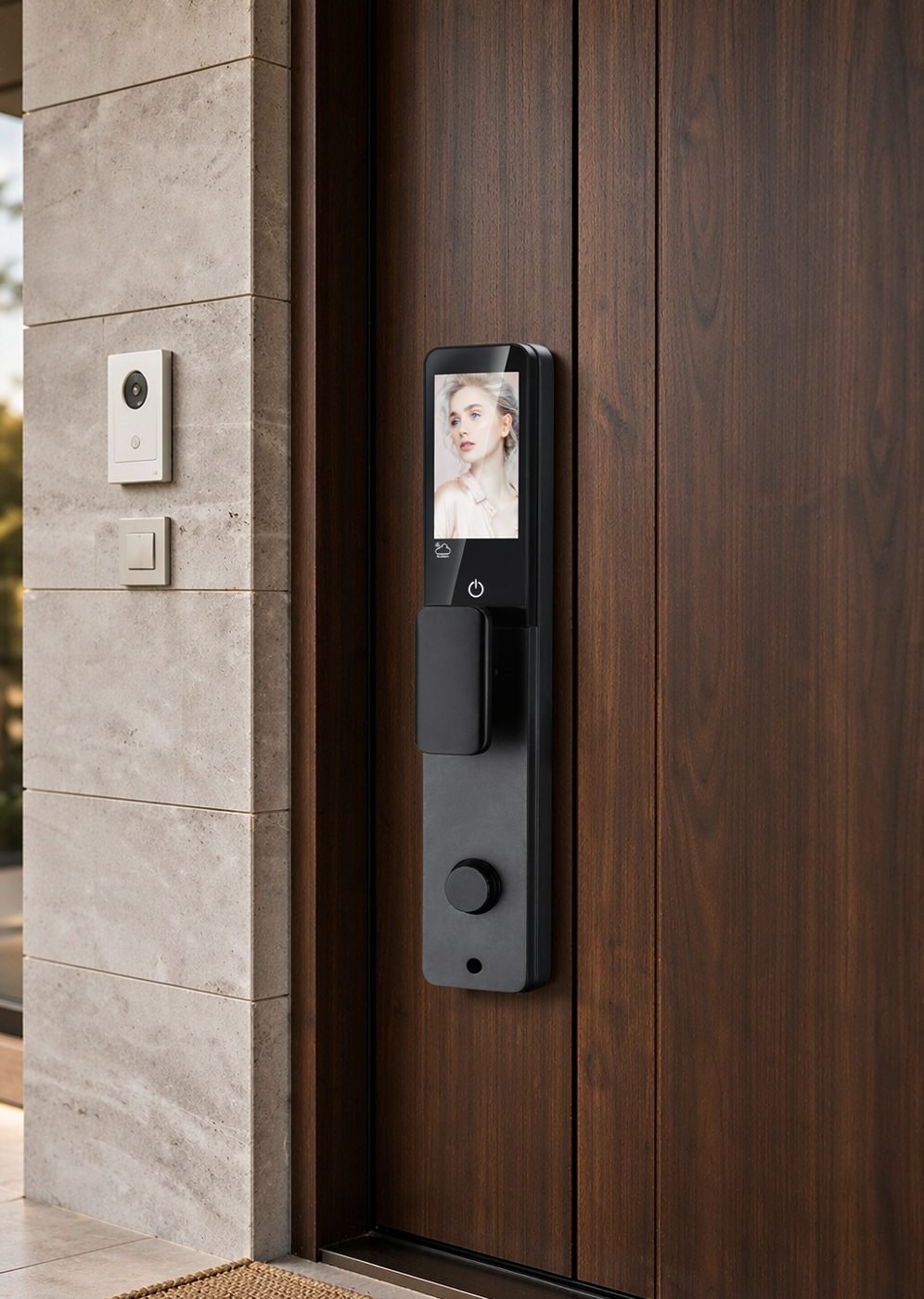
Choosing the behavior for your household
Match the setting to the household’s actual rhythm rather than its security ambition:
- Households with children or pets, which only lock some of the time, and arrive by different doors — lock-on-close is usually right for the main exit but worth reviewing for the door the dog goes out of. This is where “which doors get which behavior” becomes the real design question; not every lock needs the same setting.
- Households that garden, car-wash and generally orbit the front door — a timed delay is the difference between a helpful mechanism and a door that’s constantly locked against its own family. Some locks let a family member re-open during the countdown; others don’t, and that difference belongs in the documentation conversation before purchase.
- Households where someone arrives home flustered with full hands — the timed auto-lock plus a method that opens fast is the pairing that works: the door secures itself after the fluster, and the return trip is one motion. Our article on the hands-full entry covers the arrival side.
- Rentals and managed units — auto-lock is a feature to enable deliberately, because the property’s turnover and inspection routines assume a predictable door state. For short-term rentals the same logic powers guest check-in conversations: the door secures itself after each entry, which is exactly what a guest expects and a manager needs.
What to check on the spec sheet
Questions worth asking before you rely on auto-lock
- Is the behavior documented, and adjustable? If the documentation doesn’t describe the auto-lock behavior, don’t assume it — ask with the model in hand. A setting the family can’t find is a setting that doesn’t exist.
- What happens during the delay? Can the person re-enter without re-authenticating if they’ve closed the door in the countdown window? The answer decides whether timed auto-lock feels like convenience or like being locked out of your own house politely.
- What is the door’s actual state after closing? On mechanical bolt designs the door state and the lock state are related but not identical — a closed door with a bolt out is locked; a closed door before the timer expires is not yet. Know which one your household is living with at any moment — especially households with children, where “the door is closed” is often mistaken for “the door is locked.”
- How does it interact with the other methods? A lock that auto-locks must still open instantly for the person who forgot something and is back in ten seconds — the test of any auto-lock arrangement is the first “wait, I forgot my phone” moment, and busy households hit it weekly.
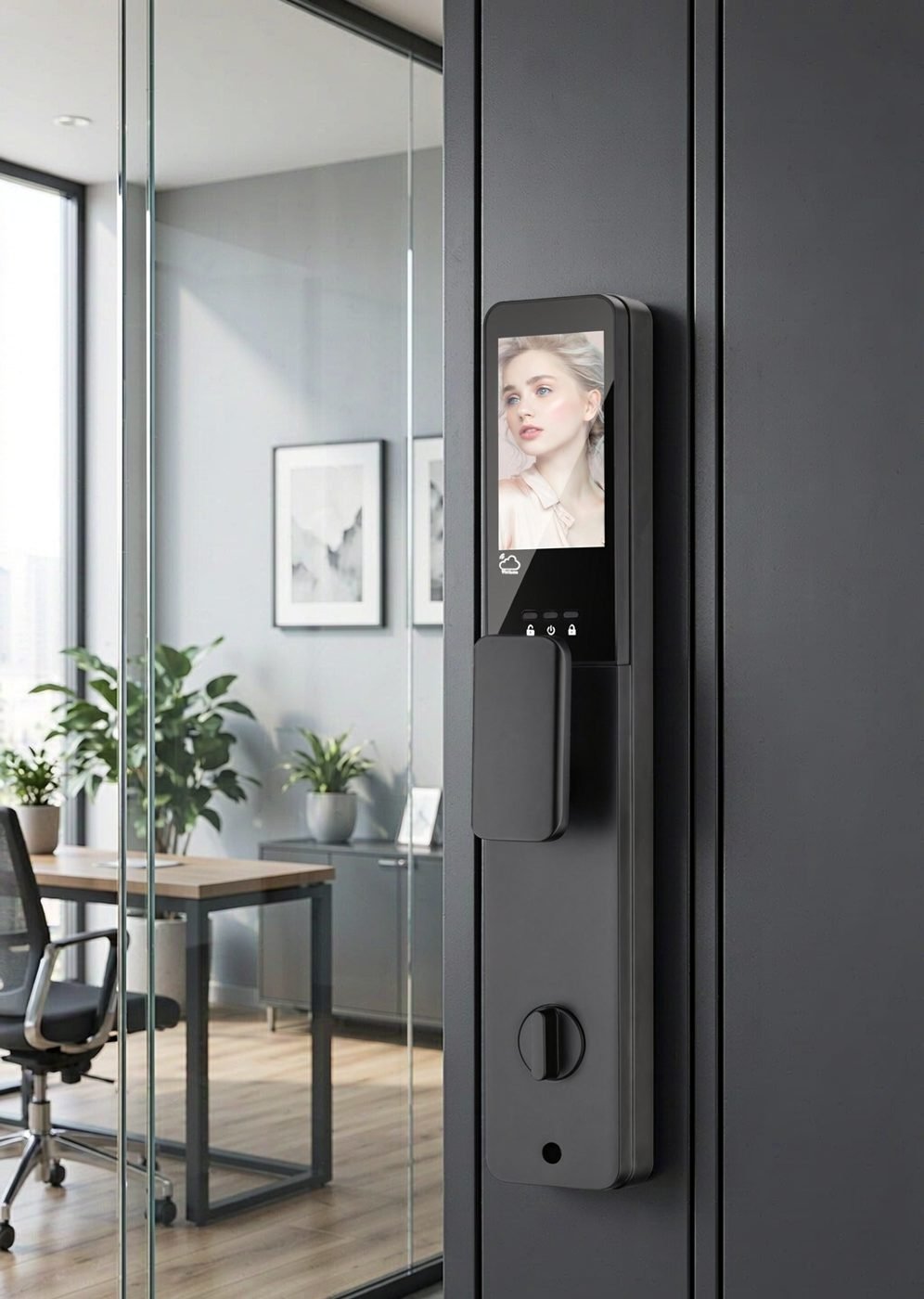
For projects and property managers
At portfolio scale, auto-lock is a policy, and the policy should be written before it’s configured:
- Standardize the lock state, not the setting name. Decide the state every unit door should be in when unoccupied (locked, always) and test the mechanism’s default behavior per model against that. Models vary in how they achieve it; the requirement is the state, the mechanism is the supplier’s design problem.
- Check the exception paths deliberately. Staff entry, maintenance windows, viewings — every exception must have a simple, documented way to leave a door unlocked briefly for authorized purposes, or staff will invent one (a taped latch is the classic) and undo the policy in the worst possible way.
- Tell the residents what to expect. Move-in materials should say, in one sentence, what the door does by itself and what’s required of them. A locked resident at the wrong side of an auto-lock is a support call, and the fix is often a single line in a handout.
The mechanical-override conversation belongs here too: whatever the auto-lock behavior, the access layers — including the battery question — should be verified as a whole system, not feature by feature. That’s the same principle as our user role guidance: behaviors that interact should be chosen and documented together.
Common questions
Can auto-lock lock me out of my own house?
With lock-on-close, functionally yes — that’s the trade you’re accepting, and it’s the reason households with reasons to come and go choose timed behavior instead. The practical guard is the backup methods: mechanical key included on our deadbolt models, and a code or card that works even when the door has just locked itself ahead of you.
Does auto-lock drain the battery faster?
Every lock operation uses energy, so a door that auto-locks after every entry cycles more often than one locked by hand — worth knowing, not worth worrying about alone. The battery conversation belongs to your model’s documented power approach; our full treatment is in the battery guide.
Should every door in the house auto-lock?
Main exits, yes, for most households — it’s the setting that removes the daily question entirely. Interior or garden doors deserve their own thinking: a door you pass through with full hands ten times a day may be a better fit for timed behavior or manual locking, and the tools above are your filter.
Specifying door behavior for a project?
Access behavior, auto-lock policies and exception paths are part of the entry system, not afterthoughts. Tell us your building type — CaremLock’s documented ranges and platform options make each behavior a specified choice.
Or explore the product range and contact the team.