A lock specification sheet looks like a page of engineering notes. In practice it is a contract in disguise: every number on it is a line a buyer can hold a supplier to after the purchase order is signed, and every blank is a question that will be answered later, usually by an installer on site. Most buyers do not need to read the whole document the way its author intended. They need to find the six fields that decide whether a quoted model can do the job, and to notice the fields that are missing.
This guide covers how to read a smart lock specification sheet when you have several suppliers, several models and no test bench. It walks through the fields that carry commercial weight, the ones that are usually skipped, and the limits of what any sheet can prove. The examples use documented CaremLock figures, but the method applies to any supplier’s paperwork.
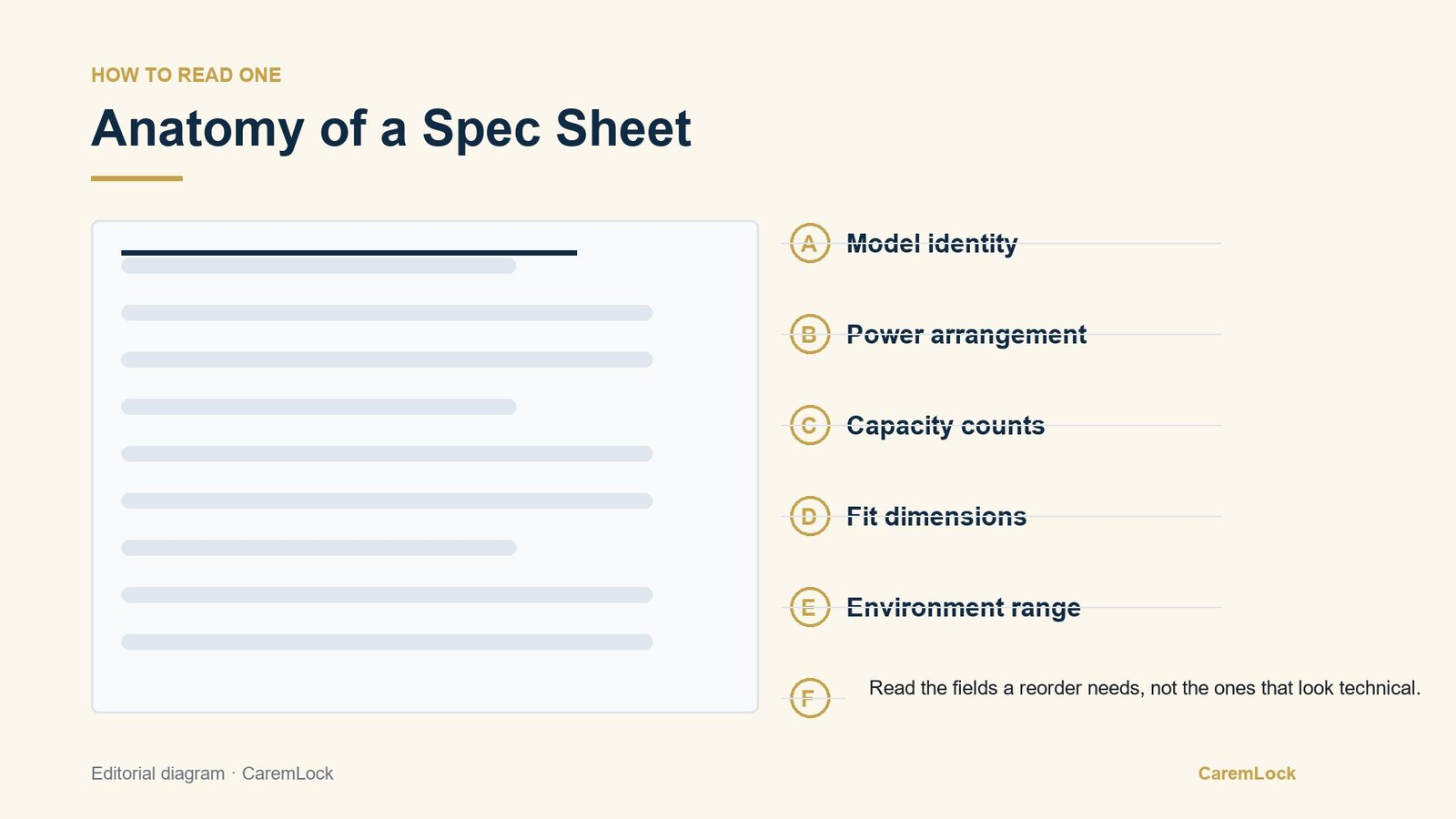
Six fields and what each decides
Treat the sheet as a set of decisions, not a list of features. Each field below answers a different question, and a weakness in any one can stop an order or surface months after handover.
1. Model identity
The first line to check is the exact model code, not the family name. A range can contain models with different power, capacity and fit, so “DS-series deadbolt” is a category while the sheet needs to name the part that will ship. Ask for the sheet that belongs to the quoted code and keep its revision date with it. If the document carries a different code from the offer, its numbers describe a different product.
2. Power arrangement
Power is where maintenance cost starts. The DS-series deadbolt is documented at 6V from four AA batteries; the DDL1 uses a built-in 4200mAh battery with Type-C charging; the A20 is documented with a 12V 23A battery or a 5V power bank option. Those are three different operating models: disposable cells, a rechargeable pack, or a backup power route. Read the line for what the building must stock, who can service it, and whether that fits the site’s maintenance plan.
3. Capacity counts
Capacity numbers are slots, not people. A DS-series deadbolt documents 100 fingerprints, 100 passwords and 100 cards; the DDL1 documents up to 297 users with 3 admin positions; the DDZ17 documents 300 users with temporary passwords. If each resident holds a fingerprint, a code and a card, one person can consume three slots. Check whether the counts are per method or shared, and whether admin users count against the total.
4. Fit dimensions
Fit is the field most likely to cancel an order. The DS-series is documented for 35–55 mm doors with 60 mm and 70 mm backsets; the LK0161 is documented in aluminum with a standard 3585 mortise and black or red bronze finishes. Those lines only help when read against a real door list. “Fits standard doors” is not a dimension. Measure thickness, backset and mortise, then compare each door type with the exact model sheet. Our door compatibility and measurement guide covers the measurements to take first.
5. Environment range
Temperature and exposure claims tell you where a product is expected to work. The DDL1 carries a documented operating range of -25°C to 70°C, which is the shape of a real range rather than a vague promise. Read the conditions around it: operating or storage, which components the range covers, and anything the sheet says about humidity, salt air or direct sun. A range starts a site assessment; it does not replace one.
6. Documentation status
The last field is whether the sheet exists in usable form. A document with no model code, no revision date and no fit table is a brochure. A supplier who can send a model-specific sheet on request, and say which figures changed since the last revision, is giving you something you can file. CaremLock spec sheets are available on request; the point of asking is to see whether each claim can be traced to the exact model.
The fields people skip
Two fields get less attention than they deserve, usually because they are boring or absent rather than difficult.
The first is environment range. Buyers scan for a number, see one, and move on. The useful question is what the number is attached to. An operating range for the electronics is not the same as a finish’s resistance to coastal air, and a wide range does not describe how a mechanism behaves after years of heat cycling. Put the range in the comparison table, then ask the follow-up that matters for the site: what does the supplier recommend for this exposure, and what maintenance does the documentation specify? If the answer is another number with no conditions, you have learned something about the documentation, not the product.
The second is documentation status, easy to overlook because a missing sheet feels like an administrative delay rather than a product risk. A supplier who cannot produce a model-specific sheet before the order will not produce a better one after it. The absence is the finding: it shows how much of the specification lives in the sales conversation rather than in a record. Ask for the sheet by model code, ask when it was last revised, and keep both the document and the answer.
A blank field is a finding. Do not fill it with an assumption from a similar model, a previous order or another supplier’s sheet. Mark it unknown, ask the supplier, and leave it unknown until the answer arrives in writing. Unknown is a defensible position; a guess is not.
What a spec sheet cannot tell you
A sheet can tell you what a product is documented to do. It cannot tell you how the bolt feels in the hand, how a finish ages under a cleaner’s cloth, how much play develops in a handle after a thousand openings, or how quickly a supplier answers a problem in year three. Those are real selection criteria, especially for installers who carry the callback risk and distributors who carry the warranty conversation. They belong in a separate step: a sample in the hand, an installation drawing reviewed by the person who will fit it, and a clear path to spare parts and technical answers. The installer handoff packet is where many of these practical details should be written down.
Building a comparison table
One row per quoted model, one column per decision. The table does not replace the sheets; it makes them comparable and exposes gaps before a quote becomes an order. Send it with the RFQ so every supplier answers the same questions in the same order; our guide to a project quote brief shows how those questions fit into a wider tender document.
Columns worth capturing
- Exact model code and revision date. The document’s identity, not just the product family.
- Power arrangement. Battery type, charging route, and what the site must stock or provide.
- Capacity per method. Fingerprints, passwords, cards and users, with admin positions noted separately.
- Fit range. Door thickness, backset and mortise, stated as numbers rather than “standard.”
- Documented environment range. The figure and the conditions attached to it.
- Documentation status. Sheet received, date, and any field still unanswered.
- Unknowns. A visible column, filled honestly, so nobody mistakes a blank for a yes.
Common questions
Is a spec sheet the same as a datasheet?
Use the terms interchangeably, but check what the document actually contains. A sheet that lists model code, power, capacity, fit and environment is usable; a one-page flyer with a photo and three adjectives is not.
What if a supplier will not send one before the order?
Treat that as a finding about the sales process, not a scheduling issue. Ask for the model-specific sheet in writing and keep the reply; if it never arrives, the specification has no record behind it.
Need the specification behind a quoted model?
CaremLock supplies smart locks for distributors, installers, integrators and project buyers, and can provide model specification sheets on request. Send the door list and the models you are comparing, and our team will confirm the documented figures before the quote is finalized.
Or review the product range and contact the team.