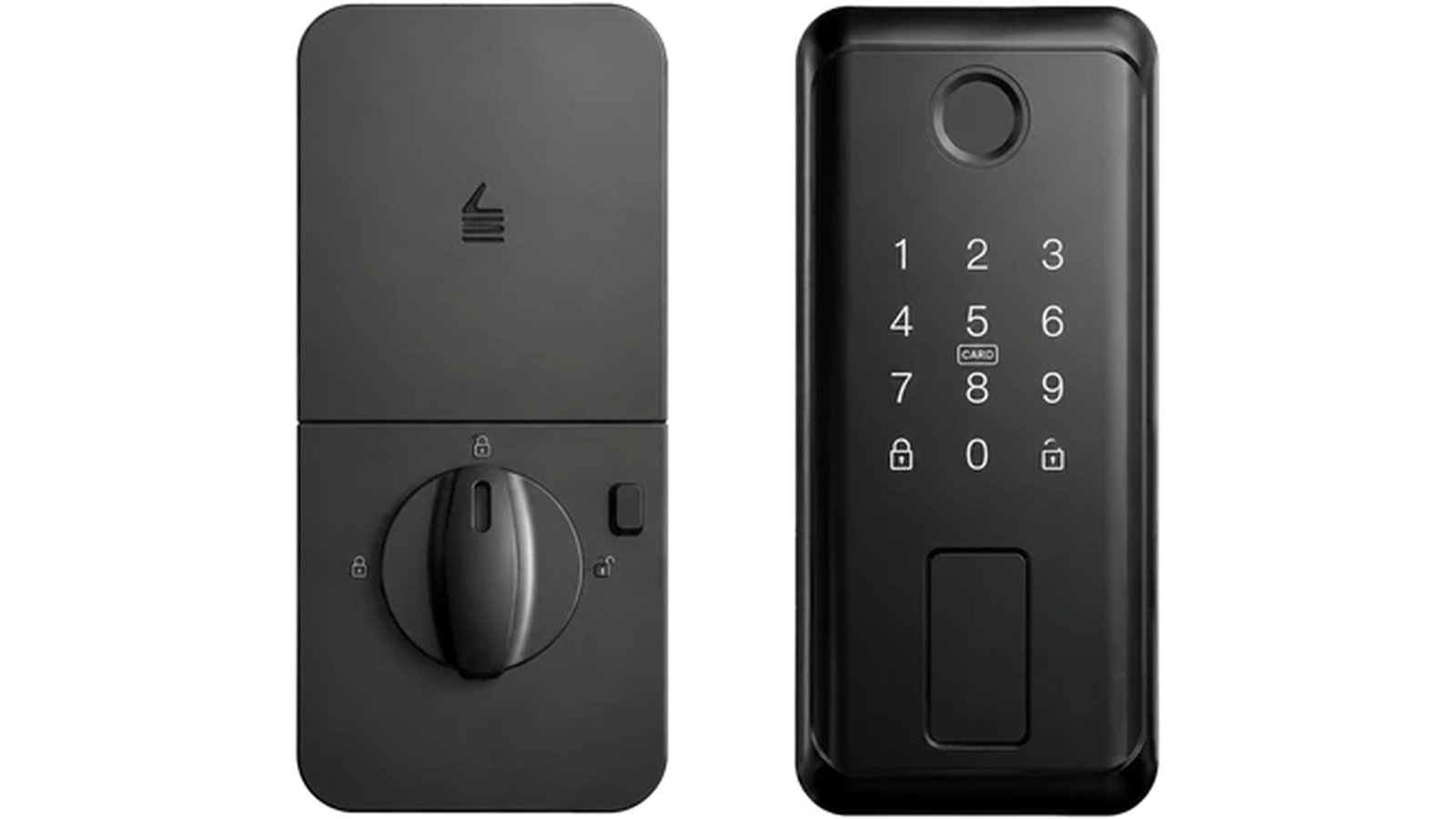
Which keypad will you still be on speaking terms with in February — the smooth glass panel, or the one with raised buttons you can find without looking? Most buyers answer that question from a product photograph. The photograph, unfortunately, has never stood in the rain with an armful of groceries.
Smart lock keypad types come down to two families: capacitive touch panels and physical buttons. Each has conditions where it is plainly better, and the conditions are predictable. This comparison is written for the person who will actually live with the choice — or specify it for hundreds of other people.
Two interfaces, two kinds of memory
A capacitive touch panel is a sheet of glass or plastic whose surface senses a fingertip. There are no moving parts, no gaps between keys, and the numbers appear when the panel wakes. A physical keypad has distinct keys — silicone, membrane or mechanical — that travel when pressed and give the finger something to feel. The distinction sounds minor written down. At a door in poor light, with cold or occupied hands, it is the whole experience. Whichever family wins, the differences between smart lock keypad types show up in daily use, not on the spec sheet.
The case for a glass touch panel
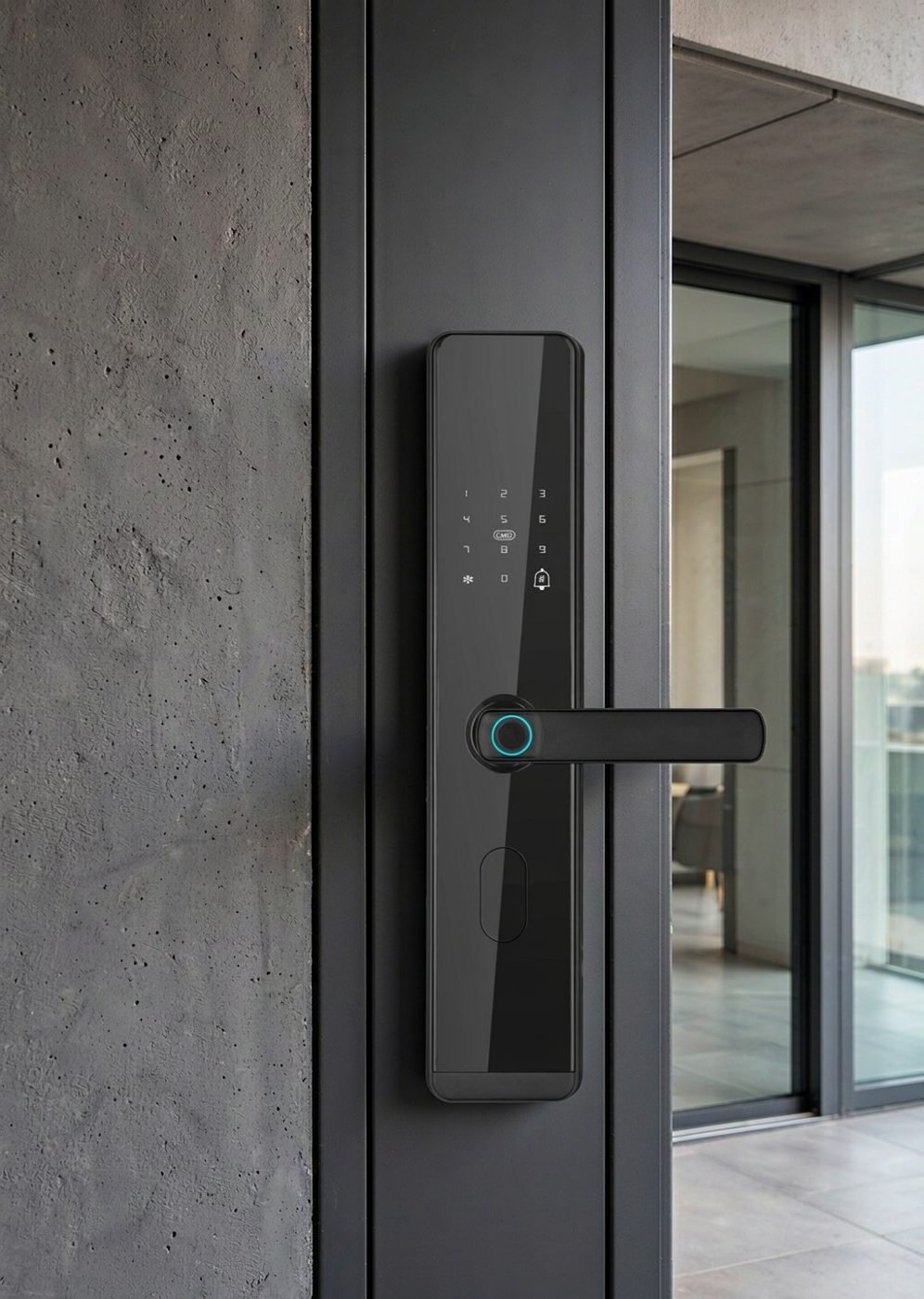
Touch panels win on several honest points. The surface is sealed and easy to wipe, which matters on entrances that collect street grime and fingerprints. There are no key gaps for water, dust or salt to gather in, and no individual keys to wear shiny over years of use. The aesthetic is clean and reads as modern, and a touch panel pairs naturally with the fingerprint reader many users will choose as their daily method anyway.
For sheltered entrances in mild climates — an apartment corridor, an office lobby, a covered porch — a touch panel is a comfortable, low-maintenance interface. The caveat is the user’s hands: touch works beautifully for a bare, dry fingertip and considerably less so for everything else.
The case for raised buttons
Physical buttons answer conditions rather than photographs. You can feel where a key is without looking, which is why keypads with raised keys remain the interface of choice for night arrivals and for anyone who prefers not to study a panel. A press gives tactile confirmation that the input registered — useful when the lock’s other feedback is a small light or a quiet tone. Gloves, wet fingers and cold hands all interact with a physical key better than with a capacitive surface, and a deliberate press is hard to trigger accidentally.
The trade-offs are equally real. Key gaps collect dust and grime; rubber and membrane materials age; a keypad full of individual buttons reads as more utilitarian than a glass slab. None of these are disqualifying — they are simply the other side of the same coin.
Weather, hands and the real-world test
No keypad type is the single right answer for every entrance, so the useful test is local: think about the worst week your door sees, not the average day. An exposed gate in a wet climate, a shop entrance on a snowy street, a warehouse door where staff wear gloves all year — each of those conditions quietly votes for one interface over the other, and the vote is stronger than any catalog photograph.
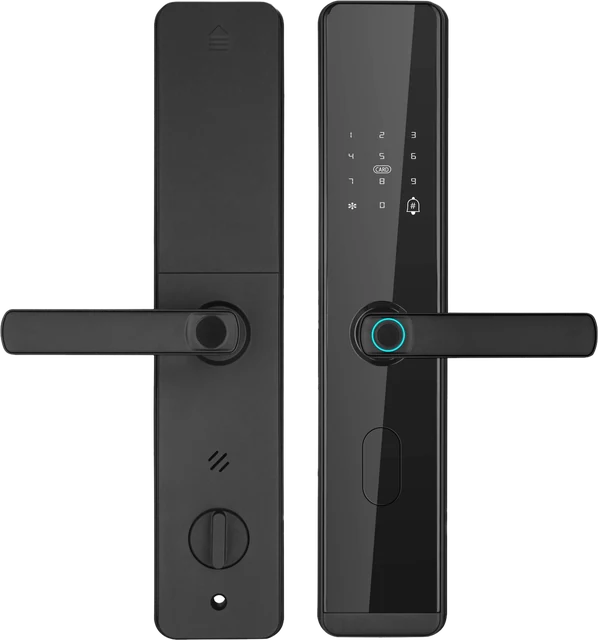
Exposure also affects what is documented about a model, not just its keypad. The LK0161 aluminum-door lock is positioned for aluminum-frame doors and narrow-profile entrances where a waterproof lock body is required, with password access among its documented methods. Matching the interface to the climate is part of the same exercise as matching the lock to the door.
What the entry needs to give back
A keypad is a conversation, and confirmation is half of it. When someone types a code, the lock should answer in a way the user can perceive: a tone, a light, a spoken prompt. Feedback matters most for the visitors who will never read the manual — a cleaner arriving weekly, a courier, a grandparent. Our deadbolt models document password access alongside fingerprint, card and key, with voice prompts in Chinese, English, Spanish and Portuguese; the full method set is on the DS01 product page.
Feedback style also has a privacy dimension. A spoken prompt carries across a lobby; a light is discreet. Neither is universally better — but the choice should be deliberate, because a lock that confirms too loudly and one that confirms too quietly are both noticed daily.
Household choice, project choice
For a household, smart lock keypad types are decided by the hands that use the door every day: the resident’s comfort, the ages involved, whether anyone habitually wears gloves, and how visitors will be given access. For a project — apartments, offices, hospitality — the inputs shift toward durability and training: how many different people will touch the keypad, what the cleaning regime is, whether staff wear gloves, and how quickly a new resident can be taught. A user interface that needs no teaching is worth more in a building with constant turnover.
Project buyers comparing mechanism classes before interface choices should start with our guide to fully automatic and semi-automatic locks — the entry motion and the keypad are separate decisions, and it helps to keep them separate.
A short keypad checklist
Questions to settle before you choose an interface
- Touch panel or physical keys — and which one has the user actually tried?
- How does the panel behave in the wet, the cold, and with gloves on?
- What feedback confirms a correct code, and can it be perceived in the door’s real conditions?
- How does the surface get cleaned, and with what?
- Who will manage the codes — issuing, changing and removing them?
- Do visitors have a method that needs no app and no training?
- What does the model’s documentation say about where the lock is meant to live?
Keypad questions, answered briefly
Are touchscreens the wrong choice outdoors?
It depends on the outdoor in question. A sheltered entrance is a different environment from an exposed gate, and the honest way to decide is to describe the exposure and check it against the model’s documented positioning. Where water is the dominant problem, the hardware’s waterproof design matters more than its keypad technology — the LK0161 is positioned for exactly those aluminum-door situations, and its unpublished details such as the IP rating are available on request.
Do physical buttons wear out?
Any moving interface eventually shows its age, which is why buttons are usually designed as serviceable parts and why the practical question is what replacement looks like. A keypad that can be maintained or replaced keeps a lock useful long after its first spring.
Can a lock offer both a keypad and a fingerprint reader?
Yes — multiple methods are documented across the range. Fingerprints and cards work without typing, which suits frequent visitors and full hands, while the keypad covers people who have no enrolled credential at all. For a fuller picture, see our explanation of what happens when a fingerprint reader reads.
Specifying locks people will use daily?
CaremLock supplies keypad, fingerprint and card access locks for distributors, installers and project buyers. Describe the entrance and its users — we will point to the models whose documented interfaces fit the conditions.
Or explore the product range and contact the team.