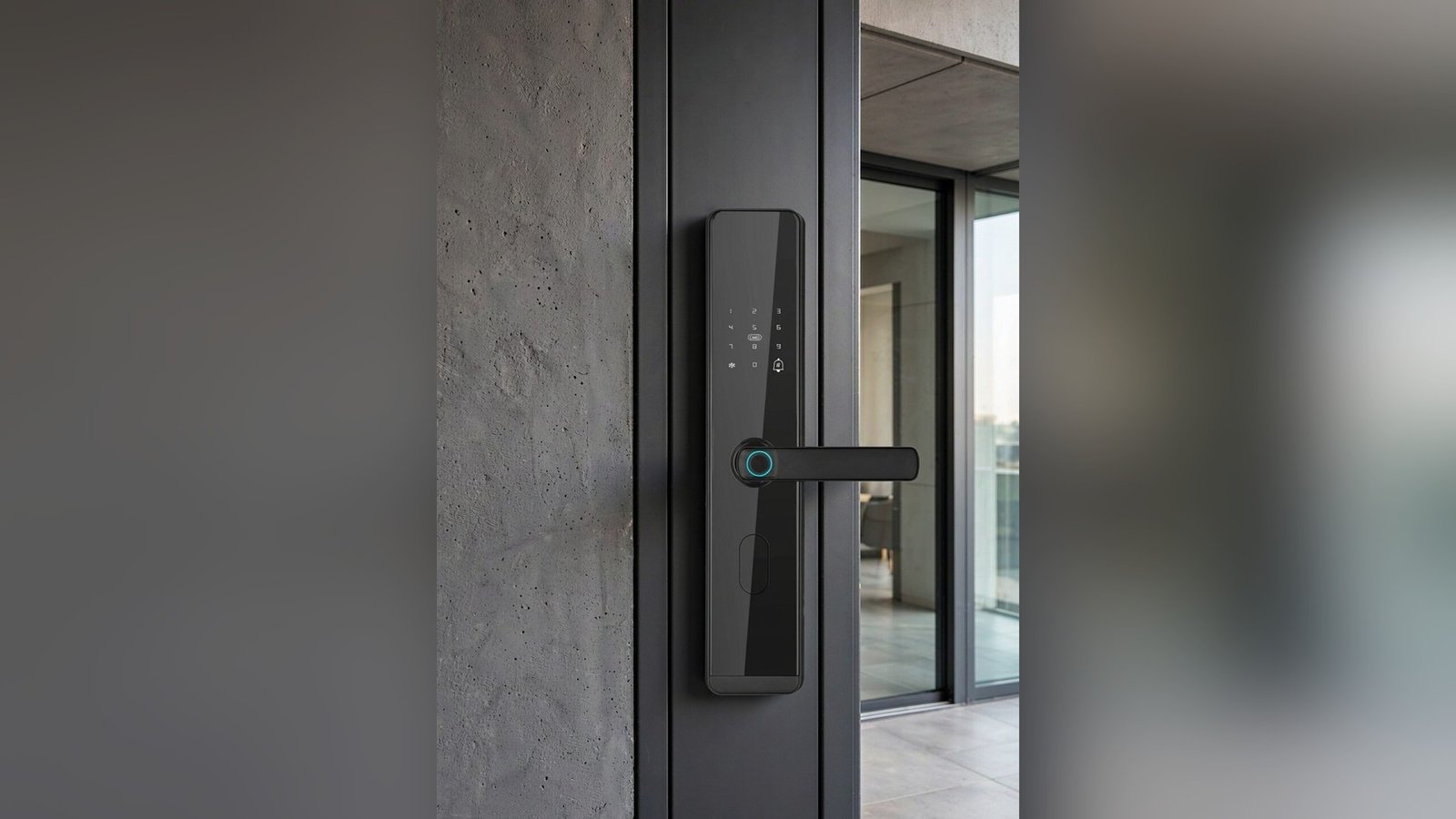
She is eighty-two, she has just come back from the market, and she is standing on her own doorstep doing the thing she does every day: shifting two bags to one hand so the other can reach the keys. Then finding the right key. Then getting it into the lock, in the dark, without dropping anything.
Most conversations about smart locks start with technology. The more useful ones start here — with what the front door asks of a body that has been opening doors for eight decades. Grip, eyesight, balance, memory: the door doesn’t check any of them, but it quietly requires all of them. This article is about making that daily minute easier, without turning anyone’s home into a care facility.
What actually changes at the door
Aging doesn’t change one thing; it changes several at once, and they compound at exactly the wrong moment — the threshold, with your hands full.
- Grip strength and dexterity. Turning a stiff key or a small thumb-turn becomes genuinely harder. Fingers that fumble are not a character flaw; they are a mechanical fact.
- Near vision in low light. Keyholes and fine keypad legends are hard to see at dusk, and harder with the porch light off.
- Balance. Every second spent standing at an unlocked door while wrestling with keys is a second standing on one spot with hands occupied.
- Memory load. “Did I lock it?” is a real question — and the answer costs either a walk back or a night of low-grade worry.
None of these are reasons to hand over control of someone’s home. They are reasons to remove the parts of the routine that strain hands, eyes, and memory — while keeping everything that preserves independence.
The key problem is not the lock, it’s the key
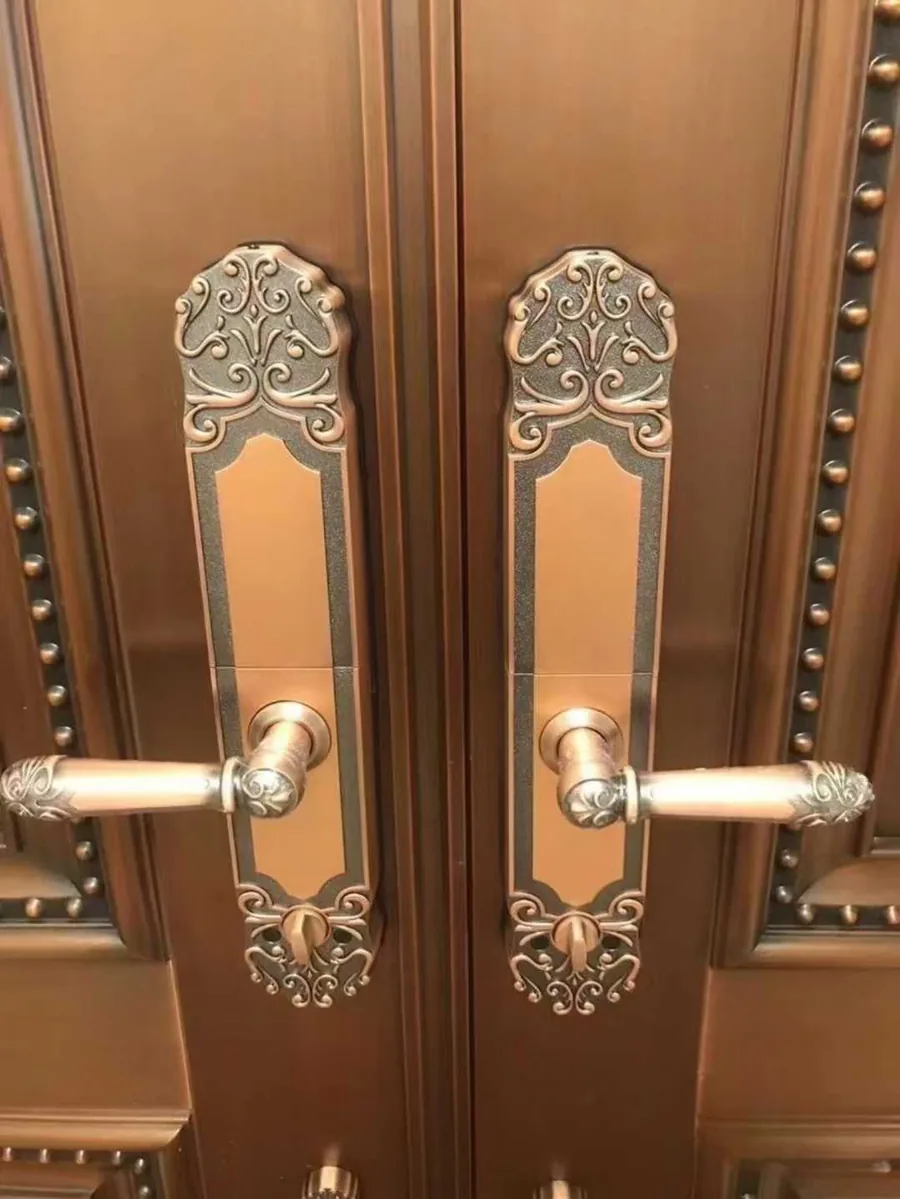
The physical key asks for fine motor control at the worst possible moment. It also creates the hiding-spot problem: a spare under the mat is how families solve the fear of being locked out, and it is also how homes get entered by people who aren’t family.
Keyless entry doesn’t make an eighty-year-old “digital”. It just moves the door from the category of “fiddly” to the category of “done” — the way the TV remote or the phone already sits in most households. The test is not whether the technology is impressive; it’s whether her hand, her eyes, and her habits can use it on a cold evening without anyone’s help.
Matching the access method to the person
Different older users will be comfortable with different methods. The right approach is to assign each person the method that suits their hands and habits, and keep a physical key as the emergency layer — never as the daily routine.
Four methods, and who they tend to suit
- Numeric code. Needs no object and no phone, and works the same in both directions. Prefer locks whose keypad is readable in low light, and consider a code the person chooses themselves — a familiar short number is easier to keep than a random one. The trade-off is memory pressure; write nothing on the door frame, and keep the code shared only inside the family.
- IC card or fob. A tap instead of fine finger work — often the easiest option for hands that fumble keys, because the card can live in a wallet or bag and still work through a pocket. It can be lost like a bus pass, so plan the replacement path before it happens.
- Fingerprint. Nothing to carry, nothing to remember — when the sensor reads the finger. It is worth knowing that fingerprint readers are typically engineered around adult fingers, and some older users’ prints (thinner skin, fewer visible ridges) can be harder for sensors to read reliably. Test it together during setup on a calm day; if it works smoothly, it makes an excellent daily method; if not, let another method lead and keep the fingerprint as a bonus.
- Smartphone app. Best reserved for family members and caregivers — the people who benefit from remote visibility. For the resident, a physical-facing method is usually the kinder daily interface.
Small features that carry more weight with older users than with anyone else
Three capabilities repeatedly show up in this context:
- Spoken prompts. A lock that talks a user through an action — entry accepted, door locked, battery low — removes the need to interpret small lights and icons. For multilingual households and for older users who don’t want to learn an app, this alone can decide the purchase. Our DS01 and DS05 deadbolt locks state voice prompts in Chinese, English, Spanish, and Portuguese in their product documentation.
- Auto-lock. A lock that secures itself after the door closes converts “did I lock it?” from a memory test into an observation. This matters most for users who live alone.
- An honest battery story. Whatever powers the lock, everyone in the household should know: what type it is, where the spares live, and how the mechanical key works. Emergency planning is covered in detail in our guide to choosing a smart lock — for older users it moves from “nice to have” to “day one”.
Caregivers are part of the design
The most common real-world setup we see is not “an elderly person’s lock” — it is a household lock used by multiple people: the resident, one or two adult children, a caregiver who comes on weekdays, a cleaner twice a month. The lock should let each person hold their own credential, so that access can be added and removed per person without rekeying anything physical and without everyone sharing one code.
Our deadbolt locks state capacity for up to 100 fingerprints, 100 passwords, and 100 IC cards per lock — comfortable room for a full household plus regular visitors, with each person on their own credential. If you want to see how that layered approach works in a family with children, our article on the first one home walks through the same principle from the other end of life.
What we can verify in our own range
For older hands, the closest fit in our catalog is the deadbolt pair — DS01 and DS05:
- Unlock methods: fingerprint, password, IC card, and mechanical key — so the resident can use a code or a card, and the key stays as the emergency layer.
- Power: 6 V (4× AA alkaline batteries) — ordinary batteries, easy to stock spares, no charging habit to learn.
- Voice prompts: Chinese, English, Spanish, Portuguese — per the authorized specification.
- Door fit: 35–55 mm door thickness; DS01 covers wood, metal, and plastic doors, DS05 covers wood and metal, with 60/70 mm lock-tongue options. Confirm door preparation and backset before ordering.
And the honest boundary, stated plainly: a lock is not a medical device and not a supervisory system. It won’t detect a fall, and it doesn’t replace the family’s judgment about how much independence is right. It removes key-fumbling, dark-doorway seconds, and “did I lock it?” — and it leaves everything else exactly where it belongs, with the family.
Common questions
My mother’s fingerprints don’t read well on her phone. Will the lock be worse?
They may read similarly — the limitation is usually the finger, not the device family. The practical approach: test fingerprint entry together during setup; if it works, treat it as a convenience. If not, make the code or the IC card her daily method and keep the fingerprint for other members of the household.
Is a keypad too small for older eyes?
This is a reason to check the actual product, not the marketing render. What matters: a keypad that stays readable in low light, and — if the user is multilingual or prefers voice feedback — spoken prompts like the four-language prompts stated for our DS01/DS05. If you’re ordering for a project, ask us for the current documentation and check it against the specific users, not a general rule.
Will a smart lock fit an older wooden door?
Often, but it must be verified, not assumed. Thickness, preparation, and backset decide it — our five-measurement guide walks through exactly what to check before ordering. That matters doubly for older doors, which are more likely to be non-standard.
Outfitting a family home or a senior-living project?
CaremLock supplies the deadbolt and smart lock ranges for distributors, installers, and project buyers. Tell us your market, door types, and user group — we’ll outline models and documentation for your order.
Or explore the deadbolt smart lock range and talk to the team.