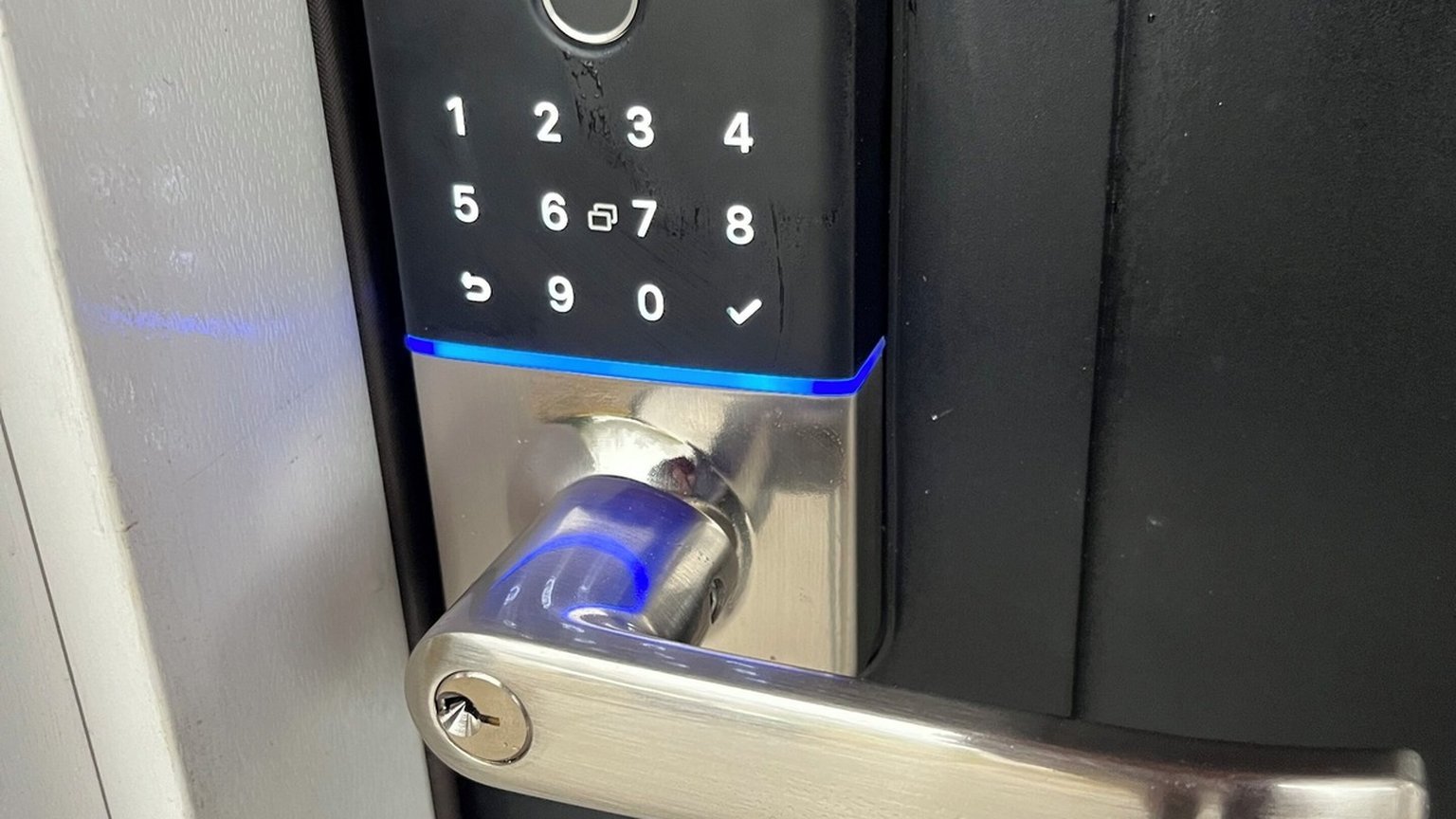
For Airbnb and short-term rentals, choose a smart lock that creates a unique time-limited PIN for every booking, expires it automatically at checkout, and keeps working when the Wi-Fi drops. Link it to your property management system (PMS) so codes come from the booking itself. This guide fits a host, property manager or operator running several units who wants self check-in, cleaner access and no key handovers. It does not fit a buyer choosing a lock for one home, or one with no booking system. Before you order, know your door type, how many units you run, and which PMS or channel manager you use. What this article cannot prove is how any single lock will behave — that still needs a sample and the spec sheet for your model.
Hook: The 11 PM Check-In Is the Real Test
A short-term rental lock is judged at 11 PM, when a guest arrives late, the host is asleep, and the code either works or it does not. A lock that works in the showroom can still fail a rental if the code was never sent or the connection dropped.
Most rental lock problems are workflow failures, not hardware failures: a code reused from the last guest, a cleaner locked out between stays, a guest who cannot reach the host, or a lock that depends on a Wi-Fi router nobody rebooted.
Diagnose: What a Rental Lock Has to Do That a Home Lock Does Not
A home lock serves a small group who rarely change. A rental lock serves a new group every few days, plus cleaners, maintenance staff and the host. Each group needs different access, for a different time, and none should enter after their window closes.
Start with the code lifecycle. A rental lock should create a unique code per booking, set its start and end times from the reservation, and delete or disable it at checkout without anyone remembering to do it. Created by hand, codes get forgotten, reused, or sent to the wrong guest. Ask how codes are generated, whether they can be scheduled in advance, and what happens when a booking changes or is cancelled.
Next, check the PMS connection. There are three common setups. A direct PMS integration generates codes automatically from bookings. A channel-manager or automation-tool link does the same through a middle layer. A manual setup means the host creates codes in the lock app and pastes them into guest messages. All three can work, but they fail differently: an integration fails when the connection breaks, a manual setup fails when the host is busy. Know which setup you are buying and what happens when the link goes down. Ask whether codes can still be created locally at the door or in the app when the property is offline.
Then look at the people beyond the guest. Cleaners need access in a short window between checkout and the next check-in; maintenance staff need one-off access that does not become permanent. The host needs a master credential and an activity record. Ask how many code types the lock supports — guest, cleaner, staff and master — and whether the activity record is available per model.
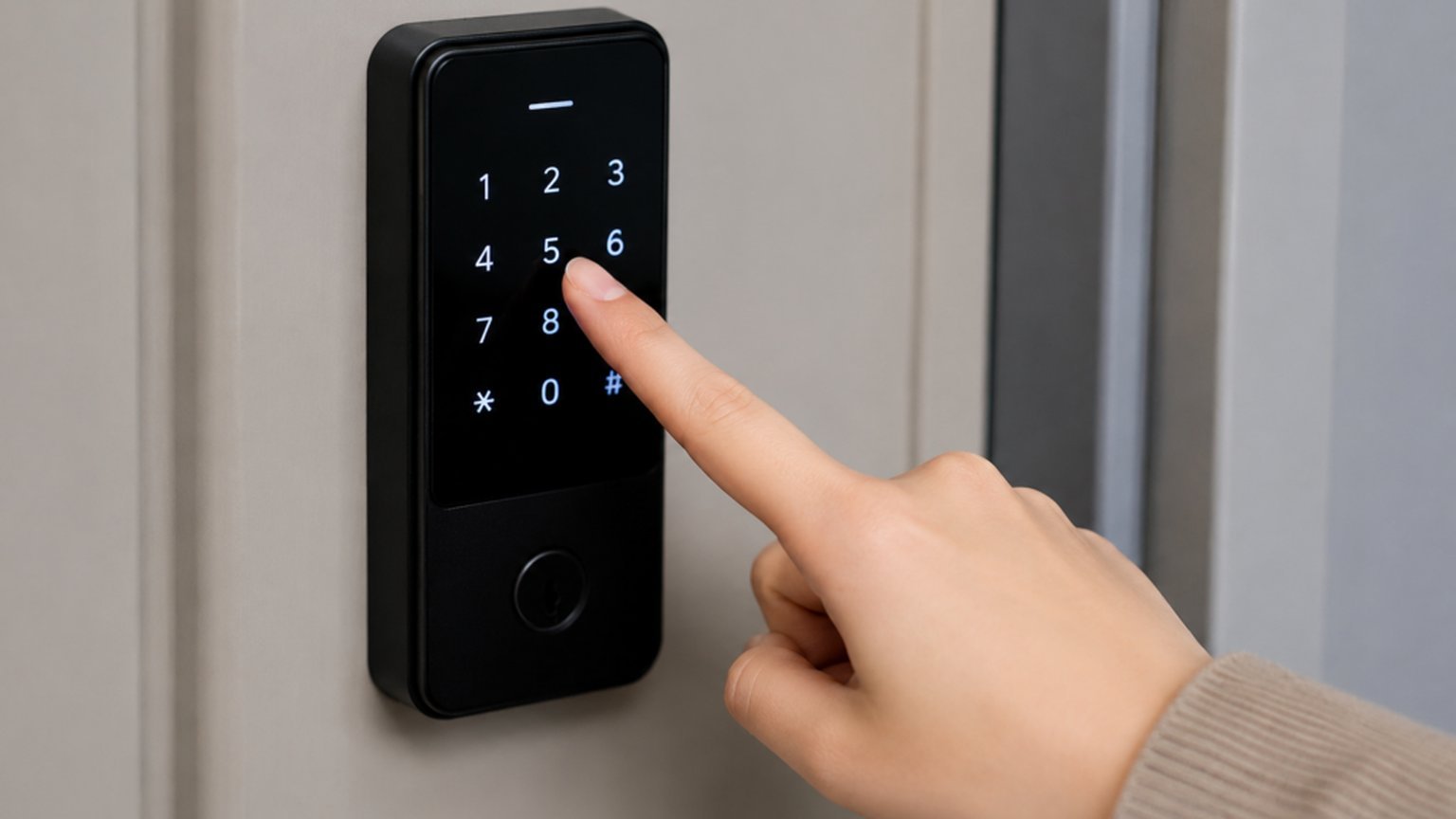
Finally, check the door and the lock family. Rental entrances usually suit deadbolt locks such as the DS01 and DS05; room doors suit a room-door lock such as the DDZ17; shared entrances with aluminum or glass doors suit the LK aluminum-door series or the A20 glass-door lock. CaremLock is a B2B smart lock manufacturer in Zhongshan, Guangdong, supplying distributors, importers, installers, integrators and project buyers, with families including deadbolt, aluminum-door, glass-door, knob, rim, room-door, semi-automatic and fully-automatic locks, including the DDL fully-automatic series and DDA semi-automatic series.
What Goes Wrong When the Code Workflow Is Missed
- A property manager with twelve Airbnb units orders keypad locks and hands out one code per property, reused for every guest.
- A former guest returns weeks later and the old code still opens the door, because nobody changed it after checkout.
- Without automatic expiry, the manager cannot prove which code was active on any given night.
- The manager must then change every code by hand, message every upcoming guest again, and check each lock in person.
- That rework risks a missed check-in, a late-night call from a guest standing outside, and a lost booking.
- The bounded decision is to stop and switch to time-limited codes generated from the booking before the next guest arrives.
Decide: The Rental Lock Checklist
Work through the table before ordering; a lock passes a row only when the supplier confirms it for your exact model, in writing on the spec sheet.
| # | Requirement | What to ask for | Pass signal | Stop signal |
|---|---|---|---|---|
| 1 | Unique code per booking | Time-limited PINs generated from the reservation | Each booking gets its own code with start and end times | One shared code for all guests |
| 2 | Automatic expiry | Codes that disable themselves at checkout | Expiry is automatic, with no manual step | Someone must remember to delete the code |
| 3 | PMS or channel-manager link | The integration your PMS supports, per model | The link and its fallback are stated per model | No integration, and no manual fallback described |
| 4 | Offline entry | Entry when Wi-Fi or power is down | PIN entry works offline; confirm per model | The lock needs a live connection to open |
| 5 | Cleaner and staff codes | Separate short-window codes for cleaners and maintenance | Cleaner, staff and guest codes are separate | Everyone shares the guest code |
| 6 | Activity record | An entry log showing who entered and when | The log is available per model | No record of entries exists |
| 7 | Battery and backup | Battery behaviour and a backup entry method | Low-battery warning and a mechanical key or external power option are stated per model | No backup entry method is stated |
| 8 | Door fit | Spec sheet naming the door type, thickness and handing | The sheet covers your door | Fit is confirmed only after ordering |
| 9 | Guest instructions | A short entry guide the guest can follow | Clear instructions exist for the code and the handle | The guest must call the host to get in |
| 10 | Sample test | A sample of the exact model, tested with your PMS | The sample generates and expires codes as described | The sample is a different model |
Test the sample the way a guest would: create a booking, generate the code, enter it, change the booking, and check the old code stops working — before ordering for all units.
De-risk: What This Checklist Cannot Prove
This checklist reduces risk; it does not remove it. A lock can pass every row on paper and still fail on a real door, a real network, or a real guest.
Three limits matter. First, offline behaviour matters most at night. Ask what the lock does when the Wi-Fi drops, the power goes out, or the battery runs low — and confirm per model, in writing. A lock that needs a live connection to open can strand a guest.
Second, guest privacy and code hygiene are the host’s job, not the lock’s: never reuse codes, share them in a public listing, or send them through a channel the guest cannot open. Keep a record of which code belonged to which booking.
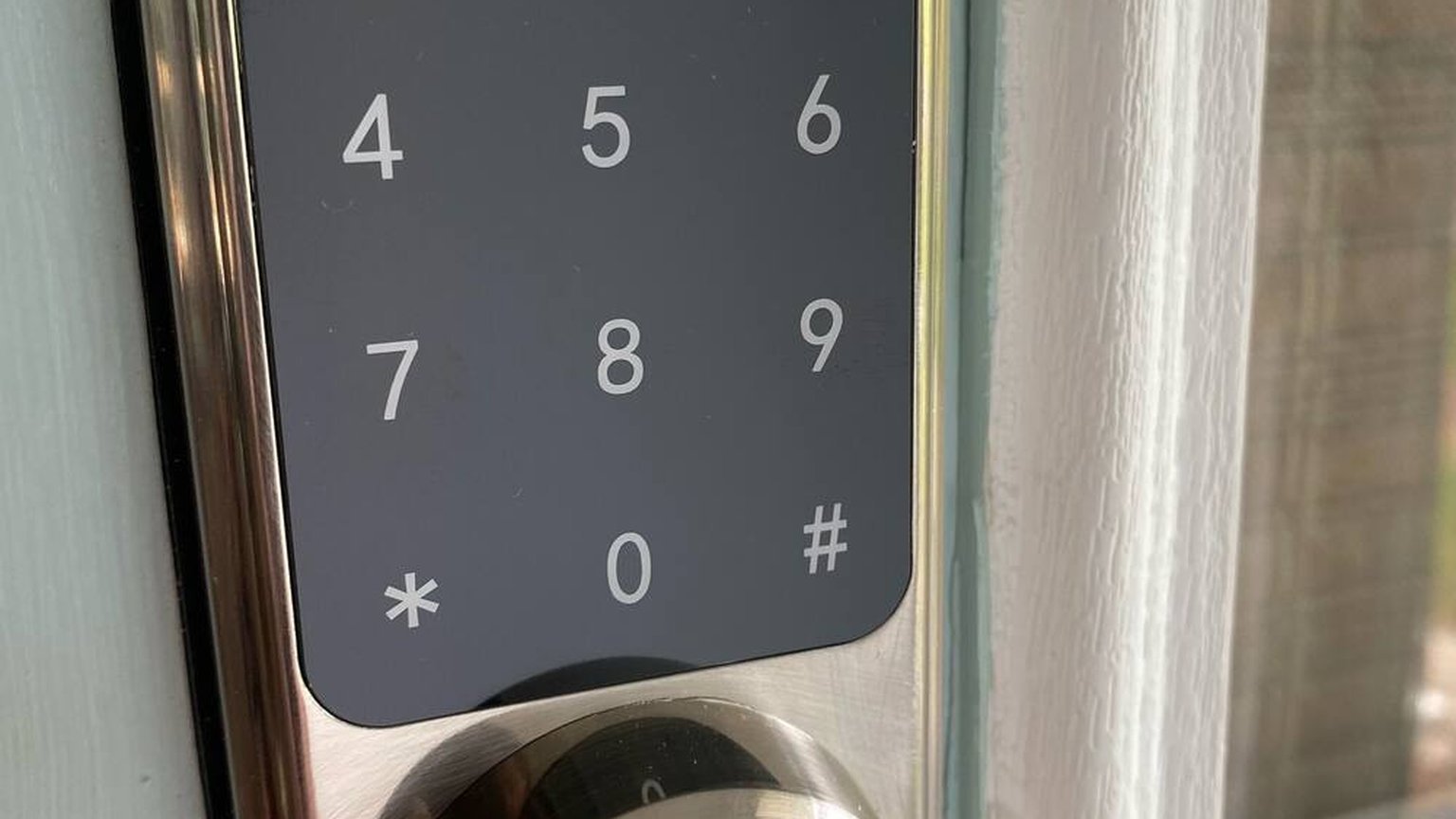
Third, a platform choice lasts for the life of the property. Ask which platform applies per model, how master credentials are handed over when a property manager changes, and how access is transferred to a new owner. Confirm in writing.
Stock orders can start from 1 piece, and ready stock is available — confirm the exact models and stock status per model.
Broad approximate price ranges, for example $50–150 depending on market and model, can frame a budget only; confirm the exact figure per project and per model. Do not budget a multi-unit rollout on a single approximate figure.
If a supplier cannot confirm automatic expiry, offline entry, or a matching sample, stop. Do not work around the gap by reusing codes or handing out a master code. The checklist has done its job when it stops an order the code workflow cannot support.
Act: Request the Spec Sheets and a Sample
You now have a completed checklist, or a list of open items. Next, request the spec sheets and a sample for the models that passed.
Primary — request a project quote and spec sheets: Email sales@caremlock.com to request a project quote and the spec sheets for the rental models you are considering. Include your door type, unit count, and PMS or channel manager, and ask the sales team to confirm per model. This does not commit you to an order.
Soft — use the checklist on your rental setup: Use this checklist to test your current setup first: check whether your codes expire automatically, whether cleaners have their own codes, and whether entry still works when the Wi-Fi is down.
Fallback — save the checklist and email later: If you are not ready to contact a supplier, save this checklist locally with your door type, unit count and PMS noted, and email the sales team later to request a sample and the spec sheets.