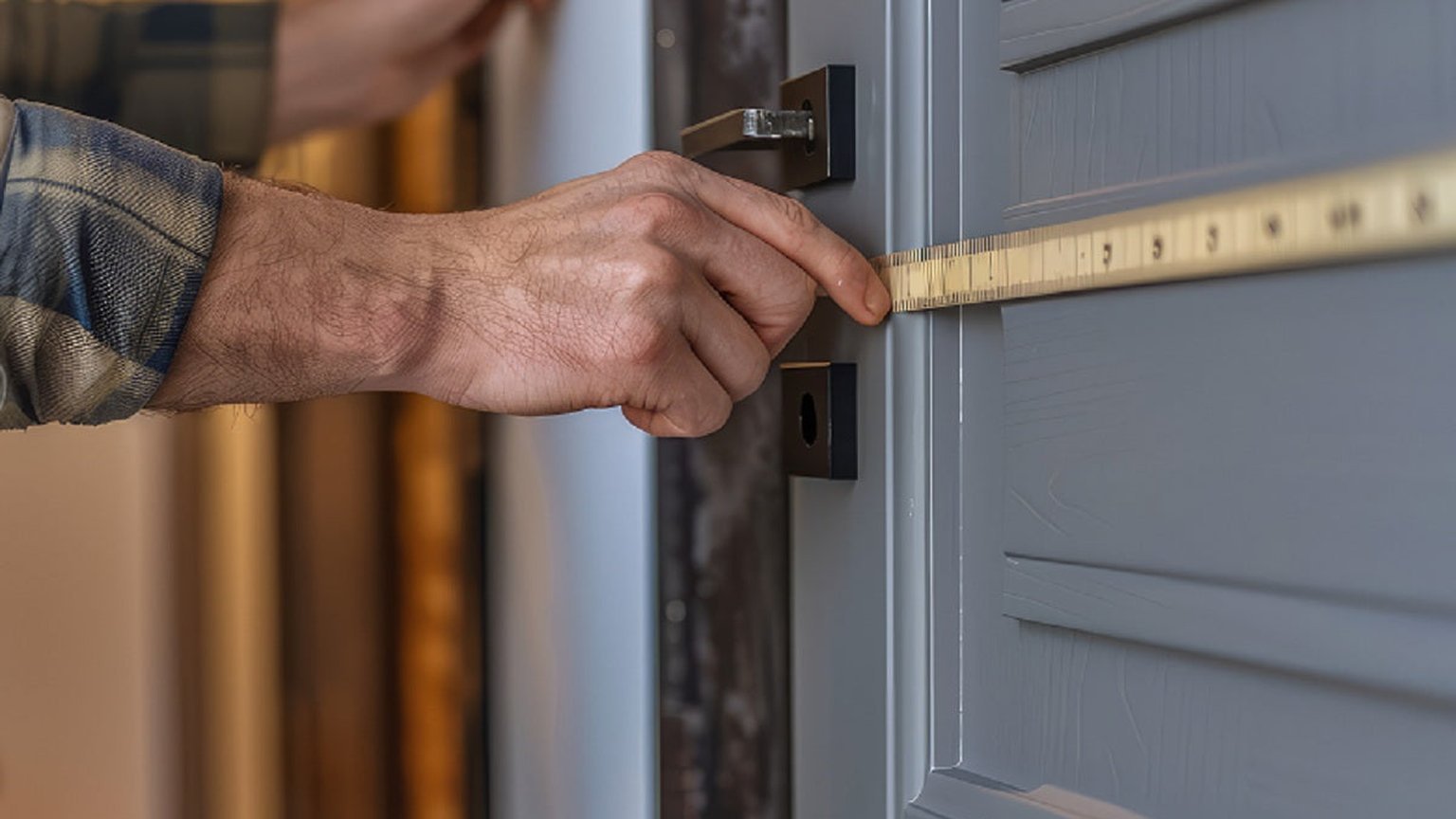
A smart lock fits a door when four things match: the door thickness, the backset, the mortise size, and the handing — plus the stile width on aluminum and glass doors. Measure them, compare them with the spec sheet for your exact model, and order only when every number agrees. This checklist fits a distributor, installer or project buyer who needs to confirm fit across many doors before ordering. It does not fit a buyer choosing a lock for one home without measuring the door, or one who has already ordered. Before you start, take a tape measure and know the door type: deadbolt, aluminum-door, glass-door, knob, rim or room-door. What this article cannot prove is how any single lock will fit your door — that still needs a sample and the spec sheet.
Hook: The Wrong Fit Is Found on Site, Not in the Catalogue
A lock that does not fit is usually discovered at the worst moment: the installer is on site, the door is open, and the lock body is too deep, the backset is wrong, or the handle sits on the wrong side. The catalogue photo looked right, but nobody measured the door.
Most fit failures are measurement failures, not quality failures. The buyer ordered by door type alone — “a deadbolt for an entry door” — and never checked the thickness, the backset, or the mortise the door already has. A smart lock is not universal: it has to match a hole, a thickness and a swing, and the only way to know is to measure.
Diagnose: The Four Measurements Plus the Stile
Start with door thickness. Measure the edge of the door, not the face, and write the number down in millimetres. Most smart locks state a thickness range on the spec sheet; outside it, the lock will not mount correctly. Ask the supplier for the thickness range per model, and confirm it in writing.
Next, the backset: the distance from the edge of the door to the centre of the handle or keyhole. This decides where the lock body sits and whether the latch reaches the strike plate. Measure it the same way on every door in the project — doors in one building are not always the same. If the backset is not stated on the spec sheet for your exact model, the fit is unconfirmed — ask for it.
Then the mortise: the pocket cut into the door edge that holds the lock body. Measure its height, width and depth, and compare them with the lock body dimensions on the spec sheet. A lock body too large for the pocket will not sit flush; one too small will need the door cut, which the installer may not be allowed to do on site. For a deadbolt, measure the cross-bore and the existing latch instead, and confirm the same way.
Handing is the fourth measurement, and the one most often guessed. Stand on the side the door opens towards you, and note which side the hinges are on: hinges on the left mean a left-handed door, hinges on the right mean a right-handed door. Also note whether the door swings in or out. A lock ordered for the wrong handing puts its handle on the wrong side, and some models cannot be reversed. Confirm the handing per model on the spec sheet, and ask whether the handle is reversible.
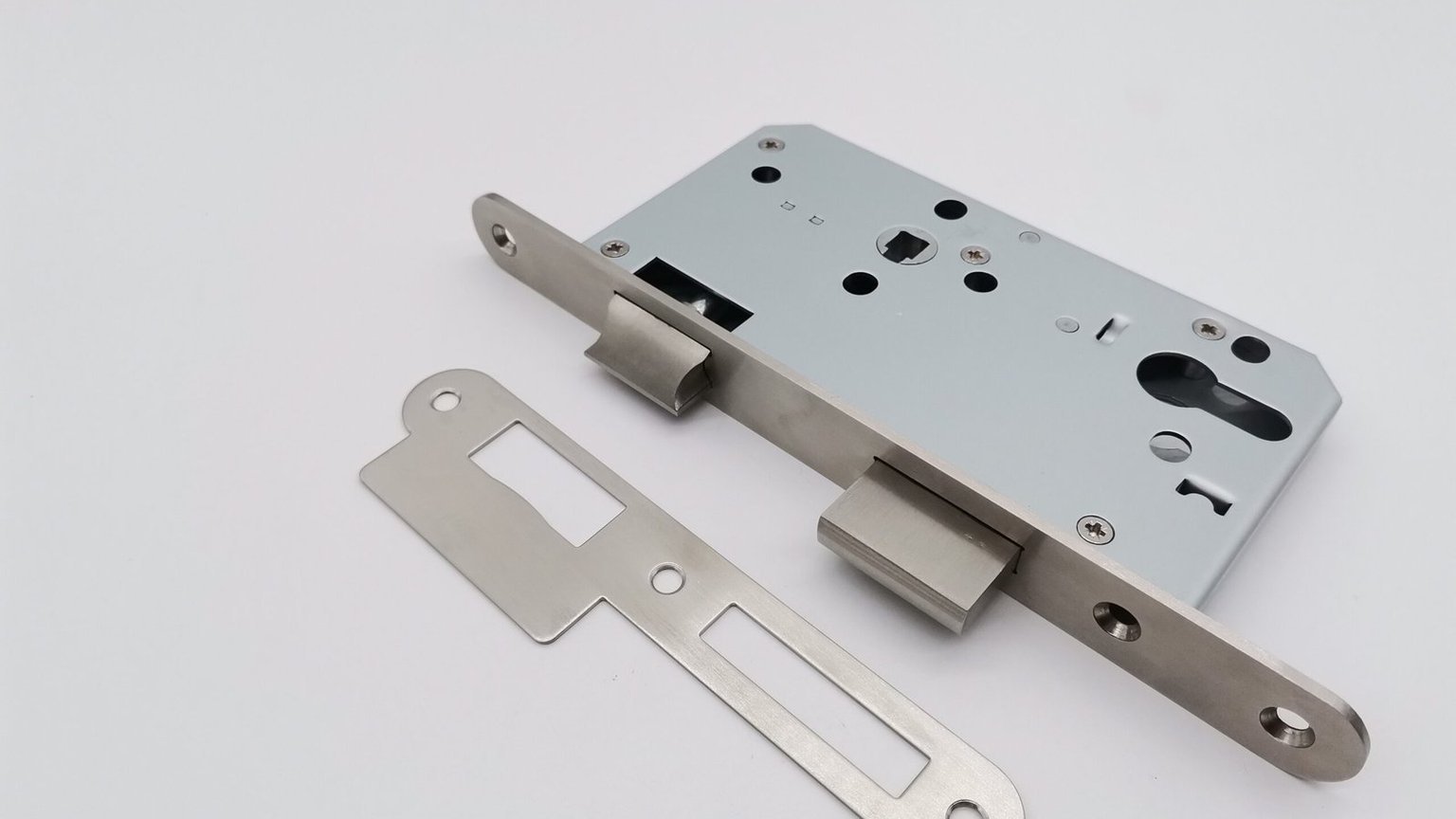
On aluminum and glass doors there is one more check: the stile width, the narrow frame the lock mounts on. Aluminum doors often have a narrow stile that only fits a narrow-stile lock, and glass doors need a lock made for glass, with no mortise at all. CaremLock’s LK aluminum-door series and A20 glass-door lock are made for those doors; the DS01 and DS05 deadbolts suit standard entry doors, and the DDZ17 suits room doors. CaremLock is a B2B smart lock manufacturer in Zhongshan, Guangdong, supplying distributors, importers, installers, integrators and project buyers, with families including deadbolt, aluminum-door, glass-door, knob, rim, room-door, semi-automatic and fully-automatic locks, including the DDL fully-automatic series and DDA semi-automatic series.
What Goes Wrong When One Measurement Is Missed
- A distributor orders fifty smart locks for an apartment project, checking only the door type and the finish.
- On the first installation, the lock body is deeper than the mortise pocket, so the lock will not sit flush in the door edge.
- Without the mortise dimensions on the spec sheet, the installer cannot tell whether the other doors have the same pocket.
- The distributor may then need to re-measure every door, ask the factory for a different lock body, or wait while the doors are re-cut.
- That rework risks delaying the project handover and leaving the installer without a confirmed lock to fit.
- The bounded decision is to stop the order, measure every door, and re-confirm fit against the spec sheet before ordering again.
Decide: The Compatibility Checklist by Door Family
Work through the table for your door family. A lock passes a row only when the spec sheet states the measurement for your exact model.
| Check | What to measure | Deadbolt (DS01 / DS05) | Room-door (DDZ17) | Aluminum-door (LK) | Glass-door (A20) |
|---|---|---|---|---|---|
| Door thickness | Edge of the door, in millimetres | Thickness range on the spec sheet | Thickness range on the spec sheet | Thickness range on the spec sheet | Glass thickness on the spec sheet |
| Backset | Door edge to centre of handle or keyhole | Confirm per model | Confirm per model | Confirm per model | Not applicable — confirm mounting per model |
| Mortise / bore | Pocket or cross-bore size in the door | Cross-bore and latch size | Mortise size | Mortise size | No mortise — confirm clamp or patch fitting per model |
| Handing | Hinge side and swing direction | Confirm per model; ask if reversible | Confirm per model; ask if reversible | Confirm per model; ask if reversible | Confirm per model |
| Stile width | Width of the door frame the lock mounts on | Not applicable | Not applicable | Narrow-stile fit — confirm per model | Frame or patch width — confirm per model |
| Access methods | Fingerprint, keypad, card or app control | Confirm per model | Confirm per model | Confirm per model | Confirm per model |
Use one checklist per door, not one per project: doors in the same building can differ, and a single checklist hides that. Record measurements with the door number. If a measurement is missing from the spec sheet, the fit is unconfirmed — ask the supplier in writing before ordering.
Test fit with a sample of the exact model on the most common door in the project and on the most unusual one — before ordering for all doors, not after the installer has started.
De-risk: What This Checklist Cannot Prove
This checklist reduces risk; it does not remove it. A lock can pass every measurement on paper and still fail on a real door, because doors sag, frames shift, and old mortise pockets are not always cut square.
Three limits matter. First, a measurement is only as good as the person who took it: measure twice, in millimetres, and have the installer confirm the numbers. Second, a retrofit is harder than a new door: an old door may have a pocket from a previous lock, a worn strike plate, or a frame that has moved. Ask whether the model suits retrofit, and confirm per model. Third, the spec sheet proves what the factory states, not what every door in your project looks like. Check the sample against the spec sheet on your actual door, with the actual handing.

Stock orders can start from 1 piece, and ready stock is available — confirm the exact models and stock status per model. A one-piece sample proves fit on your door before ordering for a whole project.
Broad approximate price ranges, for example $50–150 depending on market and model, can frame a budget only; confirm the exact figure per project and per model.
If a supplier cannot state the thickness range, backset, mortise size or handing for your exact model, stop. Do not work around the gap by ordering a different model, cutting the door on site, or asking the installer to confirm fit after delivery. The checklist has done its job when it stops an order that the measurements cannot support.
Act: Request the Spec Sheets and a Sample
You now have a completed checklist, or a list of open items. Next, request the spec sheets and a sample for the models that passed.
Primary — request a project quote and spec sheets: Email sales@caremlock.com to request a project quote and the spec sheets for the models you are considering. Include your door type, thickness, backset, mortise size, handing and quantity, and ask the sales team to confirm per model. This does not commit you to an order.
Soft — use the checklist on your doors: Use this checklist to measure the doors in your project first, one checklist per door, with the door number on each.
Fallback — save the checklist and email later: If you are not ready to contact a supplier, save this checklist locally with your door type and measurements noted, and email the sales team later to request a sample and the spec sheets.