Ask three people in the same building who can add a new user to the door system, and the answers will often disagree. One names the property manager. One names the installer. One says it is the person who set it up, who has since moved to another site. The hardware is working. The administration is not.
This article is for distributors, integrators, installers and property teams who specify or operate access hardware. It sets out what smart lock administrator roles actually cover, why a small number of named admins works better than one master credential, and how to rotate the role when someone leaves without creating a gap at the door.
What admin actually means
The word admin hides several different jobs. Before assigning it, separate them, because they carry different risks and often belong to different people.
- Adding and removing users. Someone decides that a person should have access; someone else may perform the enrollment. The decision is a management act. The operation is a technical act.
- Resetting or recovering access. A credential is lost, a user is locked out, or a registered method changes hands. A reset can restore legitimate access or create a quiet security hole, so the person who authorizes it should not always be the person who performs it.
- Issuing temporary access. Short-term credentials for contractors, cleaners or guests need an owner, an end condition and a removal step. The DDZ17 is documented with temporary passwords, which shows that the hardware can support this pattern; it does not remove the need for someone to decide who gets one and when it ends.
A useful test is to ask, for each of those jobs, who decides and who executes. If the same person does both with no record, the system has an admin but not an administration.
Admin is a role, not a person. The moment it lives only in one head, it is a single point of failure.
The three admin positions
The DDL1 records capacity for up to 297 users with three admin positions. The third number is the one to read carefully. Three admin positions is a documented capacity for one model, not a universal rule for every lock, and it should not be projected onto other products without checking their documentation.
Why more than one? Continuity is the first reason. An admin who is on leave, ill or unreachable should not block a legitimate move-in or a departure. Separation is the second. One person holding every capability can add, remove and reset without a second pair of eyes. Workload is the third: a single admin becomes a queue, and queues encourage shared credentials and informal workarounds.
Why fewer than five? Every additional admin widens the circle of people who can change access, and widens the number of places a record must be kept. Past a small group, nobody is quite sure who authorized what. A useful range for many properties is two or three active admins with one named backup, though the right number depends on the site, the shift pattern and the documentation for the model.
Capacity figures describe credential slots, not admin seats. The DS-series deadbolts are documented with 100 fingerprints, 100 passwords and 100 cards; the DDZ17 supports 300 users. Those numbers tell a buyer how many users a model is built to hold. They do not say how many people should hold administrative capability, and they should not be read as a recommendation to concentrate it.
Separating decision from execution
The most useful governance change is also the cheapest: split the approval from the operation. A property manager or owner approves a new user or a removal. A trained administrator performs the enrollment or deletion. The approver does not need the master credential, and the administrator does not need the authority to decide who belongs in the building.
This split changes the shape of a mistake. If an administrator adds the wrong person, the approval record shows what was requested. If an approver asks for the wrong person, the record shows who asked. Either way, the question “why does this person have access?” has an answer that does not depend on memory.
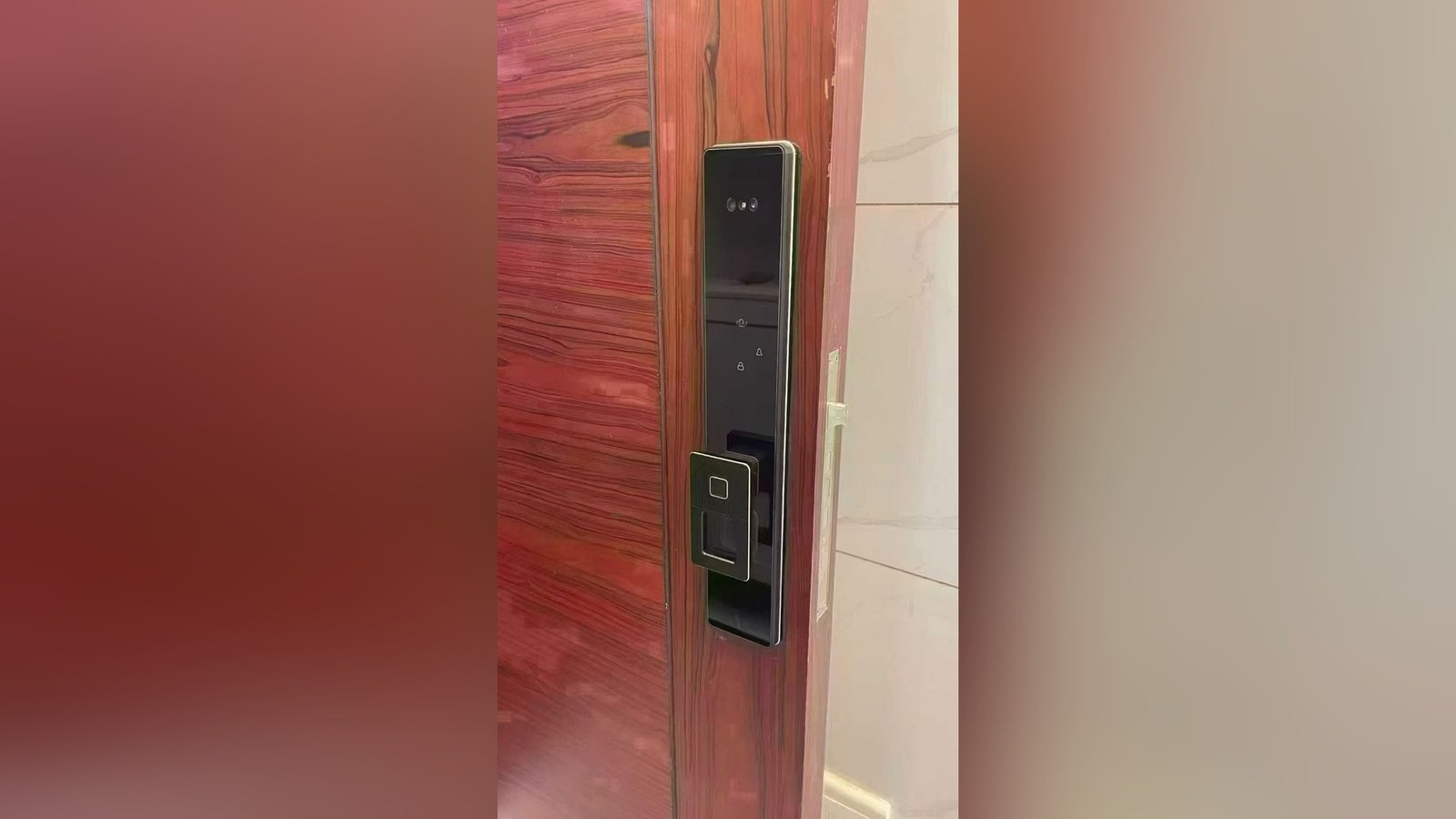
Installers and integrators have a specific version of this problem. They often hold admin capability during commissioning because they are the only people on site who can configure the hardware. That is reasonable for the project window, but it should end at handover. The handover should name the people who will hold admin after the installer leaves, confirm that their credentials work, and record that the installer’s access has been removed or reduced.
Rotation and departure
An admin leaving is a planned event and still catches many sites unprepared. The departure checklist should cover more than the person’s user credential. It should cover the administrative capability itself, the records they hold, and the knowledge that has not been written down.
Start before the last day. Name the incoming admin, give them the role while the outgoing admin is still available, and have them perform a real add, a real removal and a real reset under observation. A handover that consists of a password in an envelope is not a handover. Then remove or reduce the outgoing admin’s capability on the agreed date, and confirm that it no longer works.
The same discipline applies to contractors and integrators. A project admin who stays active after handover is an unowned credential. The record should say when the role ended and who confirmed the change. For a fuller departure sequence, see our guide to staff offboarding and access revocation.
Rotation is not only about departures. A site that has not changed its admin group in years may have admins nobody can name. Set a review date and keep it.
Writing it down
An admin register does not need software. A single page, kept where the responsible team can find it, is enough to remove most of the ambiguity. The register should be reviewed at the same time as the access list, because the two answer different questions: who can enter, and who can change that.
Duplicate and orphaned credentials are the usual residue of an unmanaged admin layer. Our notes on credential hygiene and duplicates explain how to spot them, and the annual access audit is the natural moment to reconcile the admin register with the user list.
What the admin register should record
- Named admins, with a role and a backup, not just a job title.
- Scope, meaning which entrances and which functions each admin can change.
- Approval path, naming who authorizes additions, removals and temporary access.
- Rotation date, and the person who will review it.
- Location of the register, and who else can open it.
- Last review date, with the changes made at that review.
The register is only useful if it is current. A page that lists three admins when five people can reset the system is worse than no page, because it creates false confidence. The exact user and admin capacity of a quoted model should come from its documentation, which is available on request.
Who holds the master credential when the first admin leaves?
CaremLock supplies access hardware for distributors, integrators and property projects, and can confirm what the documentation states about user and admin capacity for each quoted model. Share the property scale and the operating model, and our team will quote against the roles you actually need to fill.
Or review the product range and contact the team.